Whistle InterJet units, parts and screens. Click photos to see larger versions.
Photos by Royce Williams unless credited.
Highlights
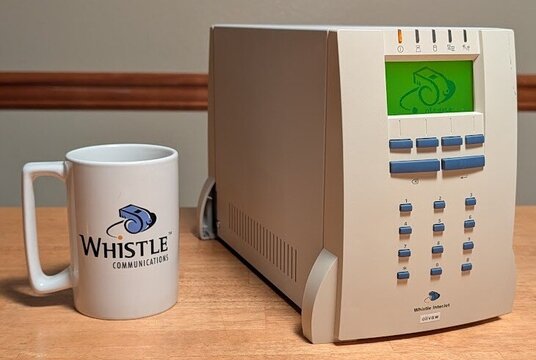
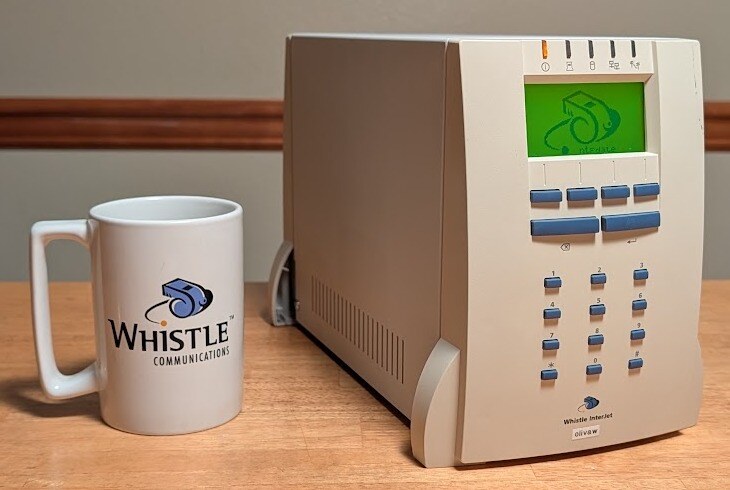
An InterJet 200 running NetBSD 11, beside an original Whistle Communications mug.
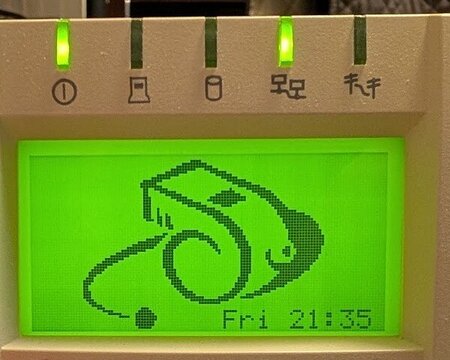
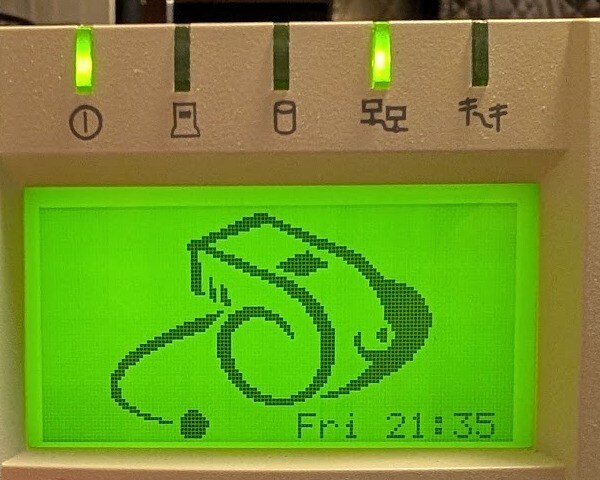
InterJet front panel at power-on under WhistleWare 3.0.3: the Whistle logo and the clock.
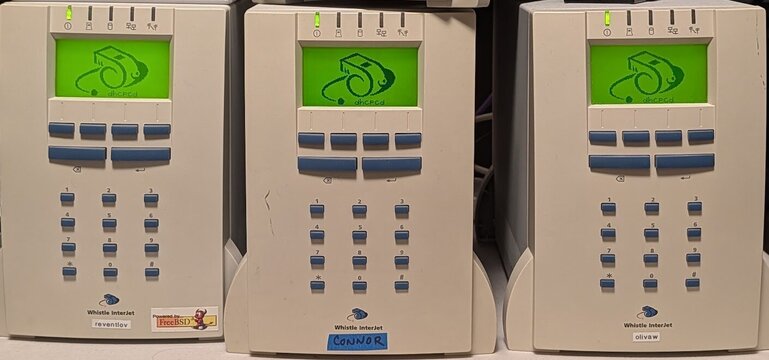
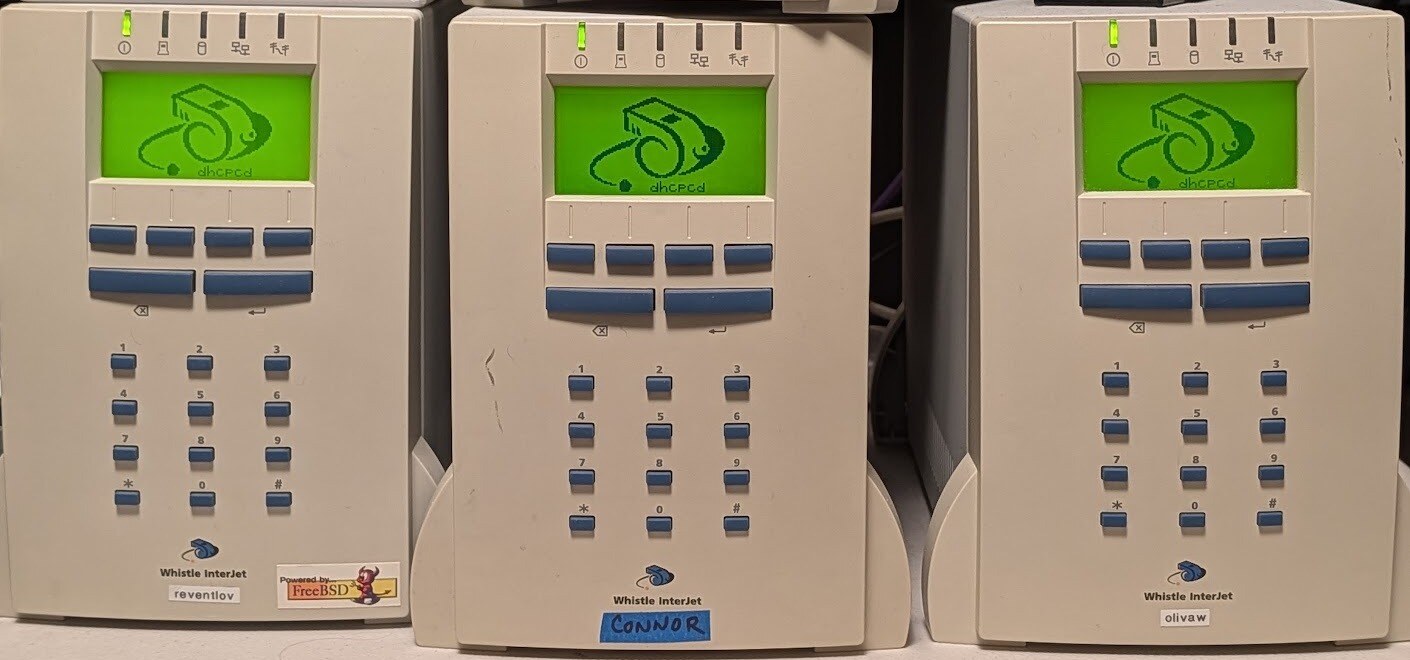
An InterJet 120 and two InterJet 200s booting NetBSD 11. The Whistle logo is drawn by our NetBSD kernel patch, not by WhistleWare; the boot stage (dhcpcd) shows beneath it.
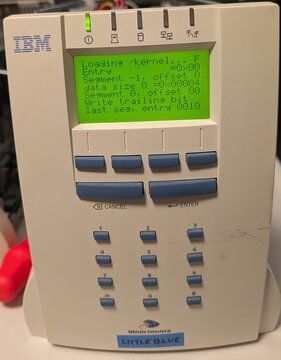
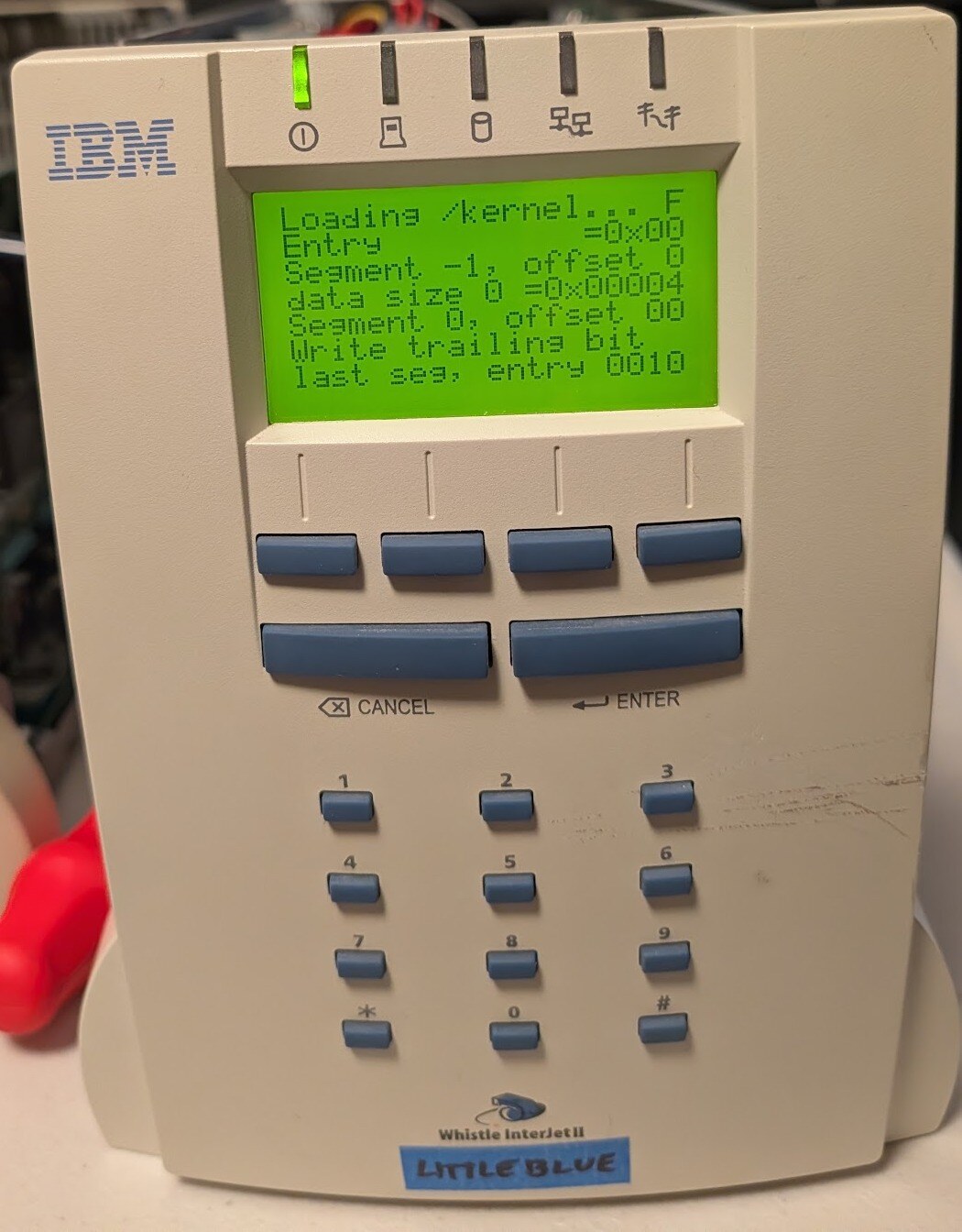
The IBM-branded InterJet II, netbooting: the panel shows the loader.
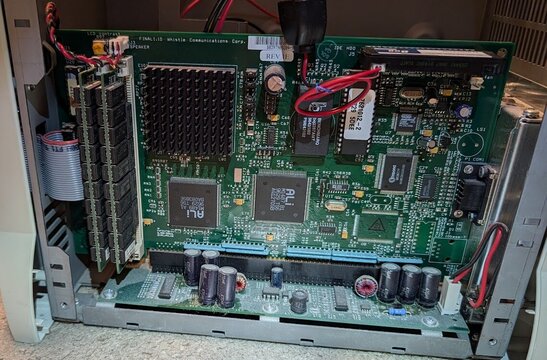
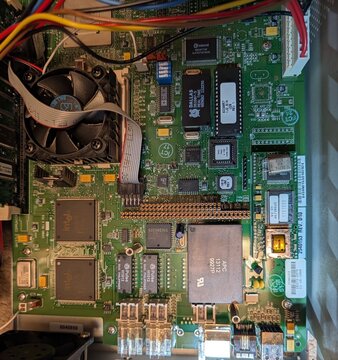
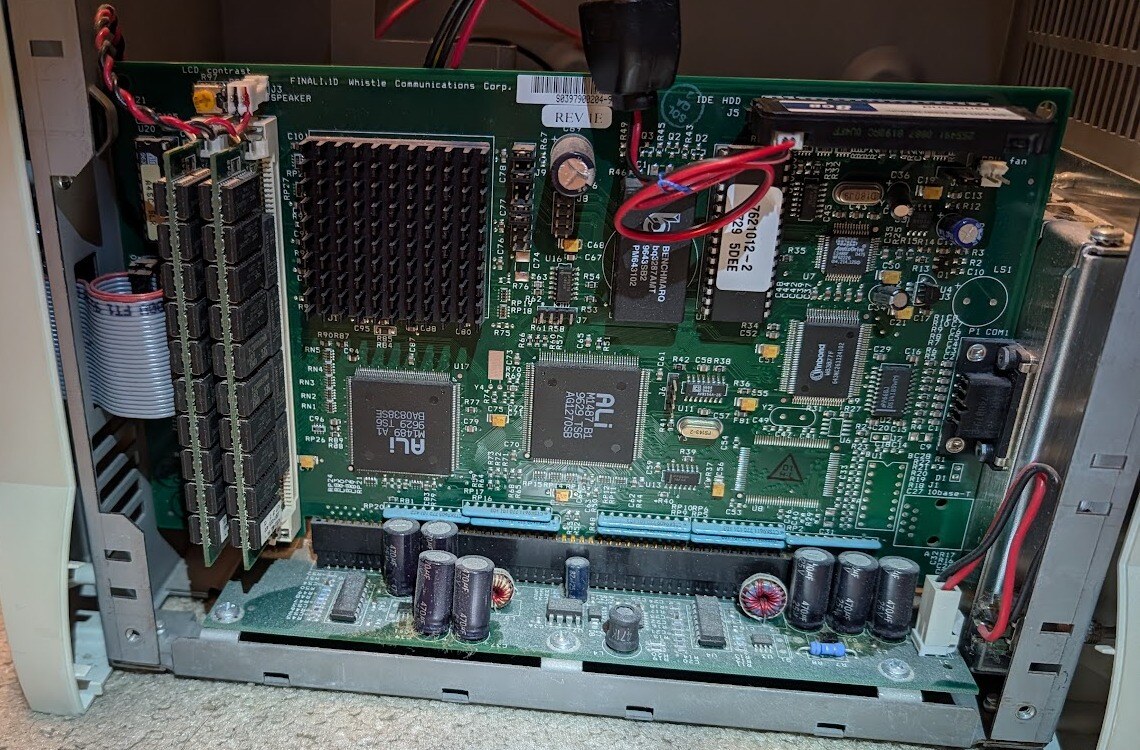
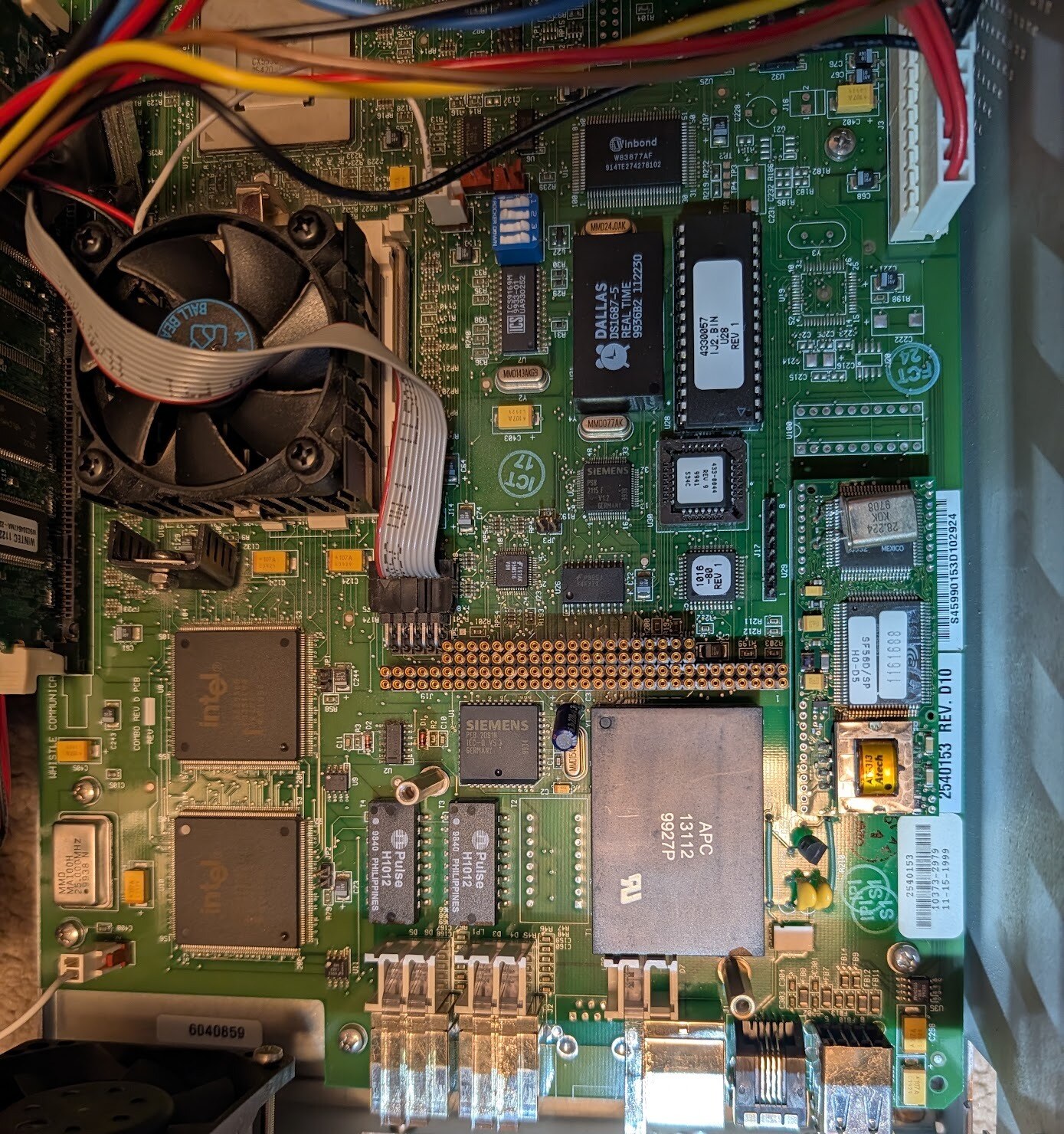
The InterJet mainboard in its chassis, side open: ALi chipset, memory modules at left.
WhistleWare on the panel
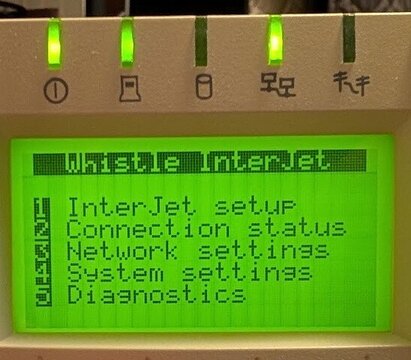
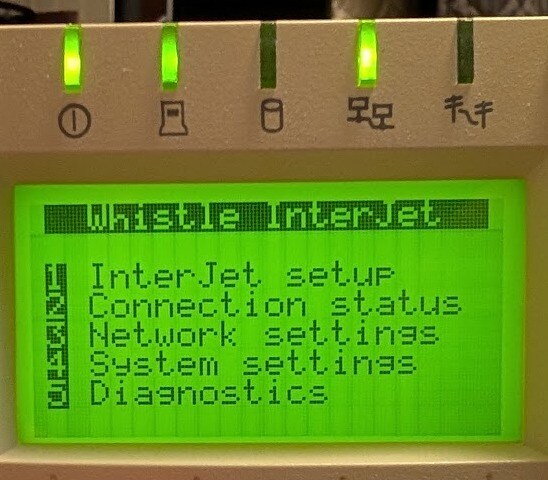
The WhistleWare main menu: InterJet setup, Connection status, Network settings, System settings, Diagnostics.
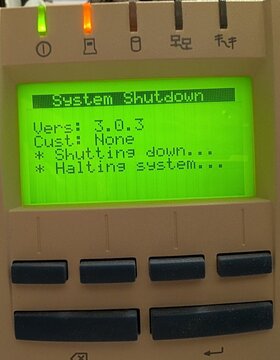
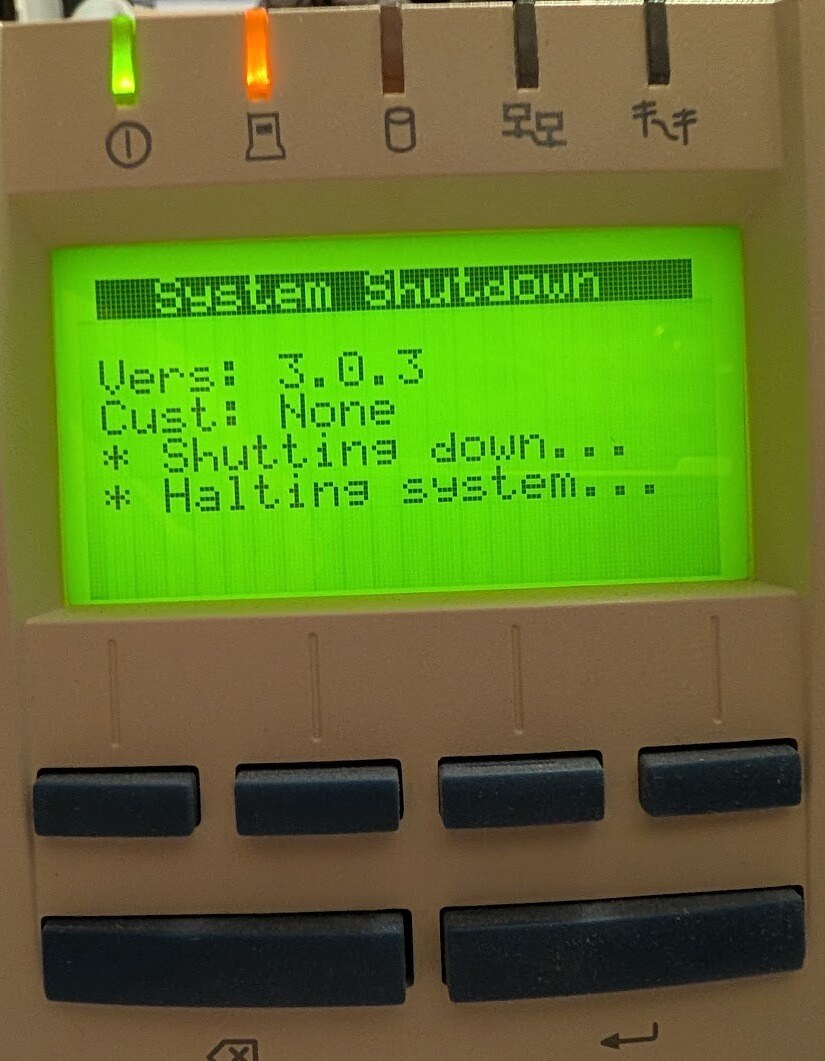
The WhistleWare System Shutdown screen: Vers: 3.0.3, Cust: None.
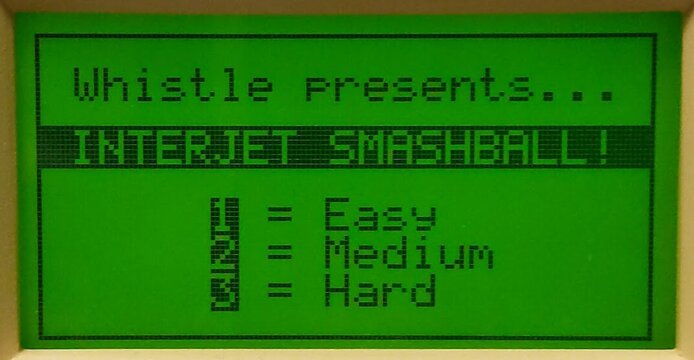
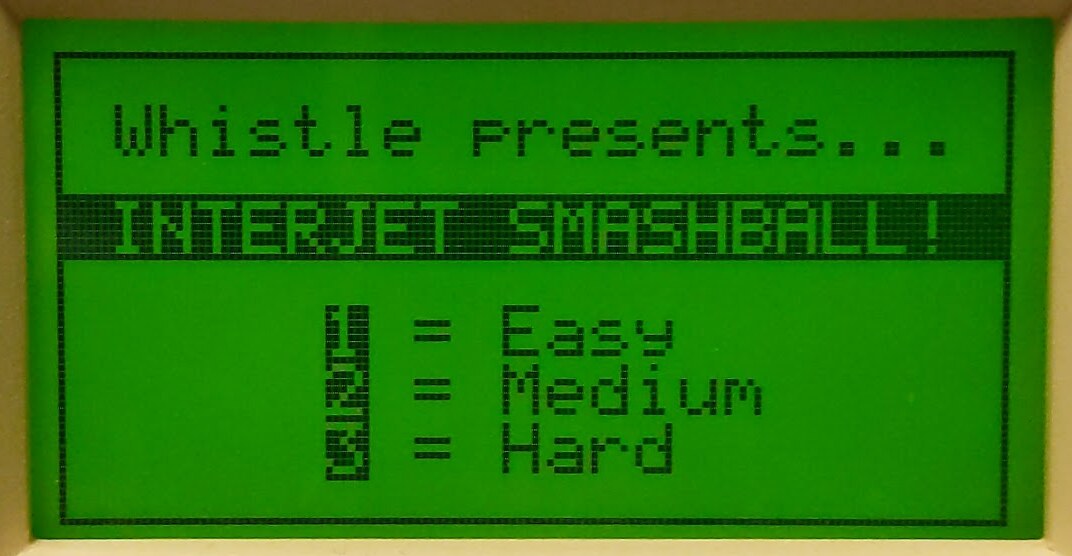
InterJet Smashball, the game hidden in WhistleWare's Diagnostics page (*#): Whistle presents... INTERJET SMASHBALL! 1 = Easy, 2 = Medium, 3 = Hard.
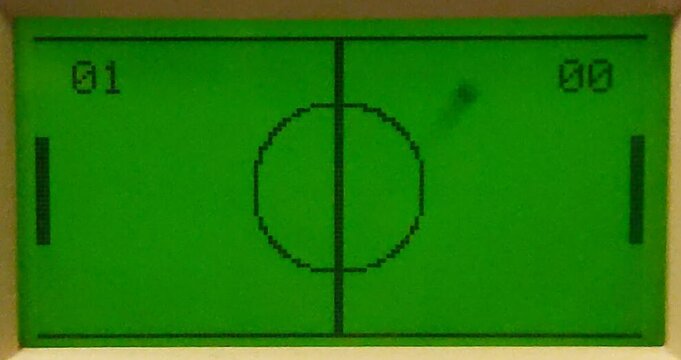
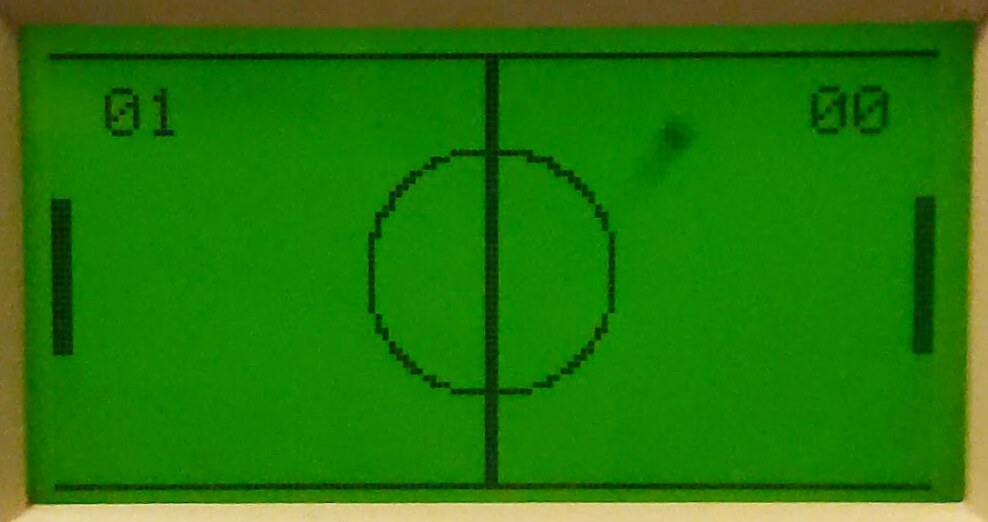
InterJet Smashball in play on the front-panel LCD: two paddles, a centre line and circle, the score 01 to 00.
NetBSD on the InterJet
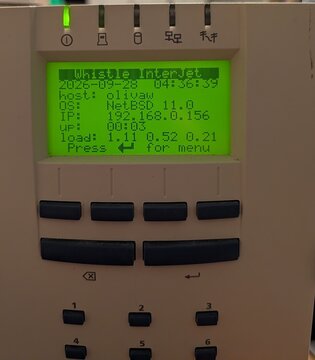
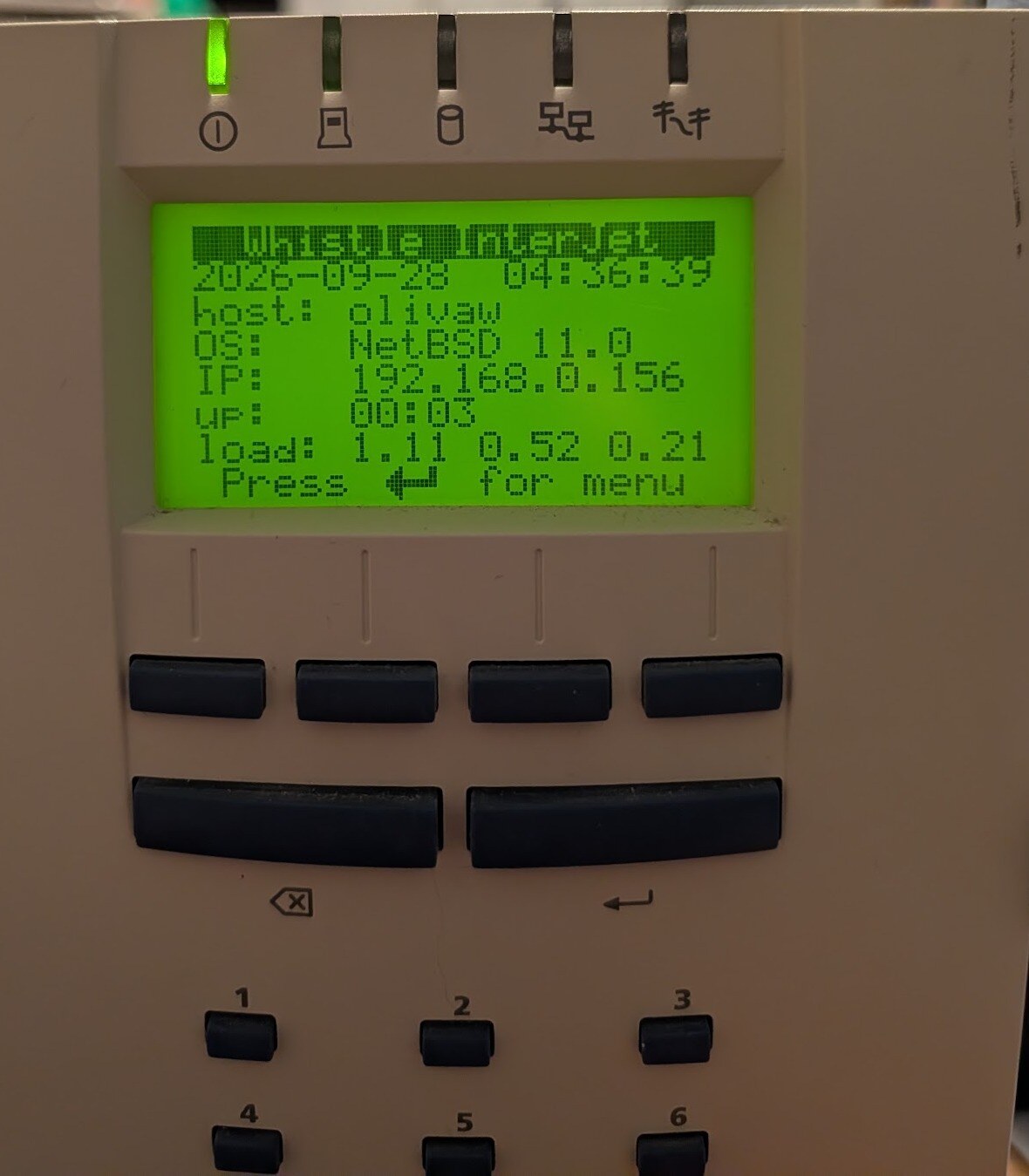
An InterJet 200 running NetBSD 11.0: the status screen of lcdd, our panel program, with host, OS, address, uptime and load.
InterJet hardware
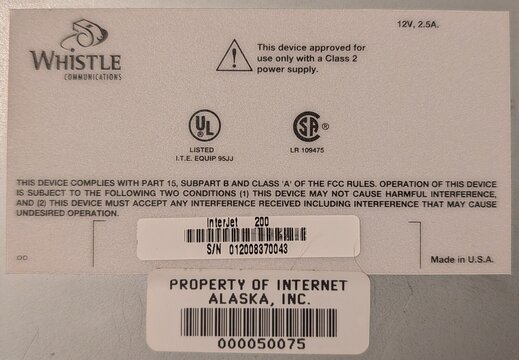
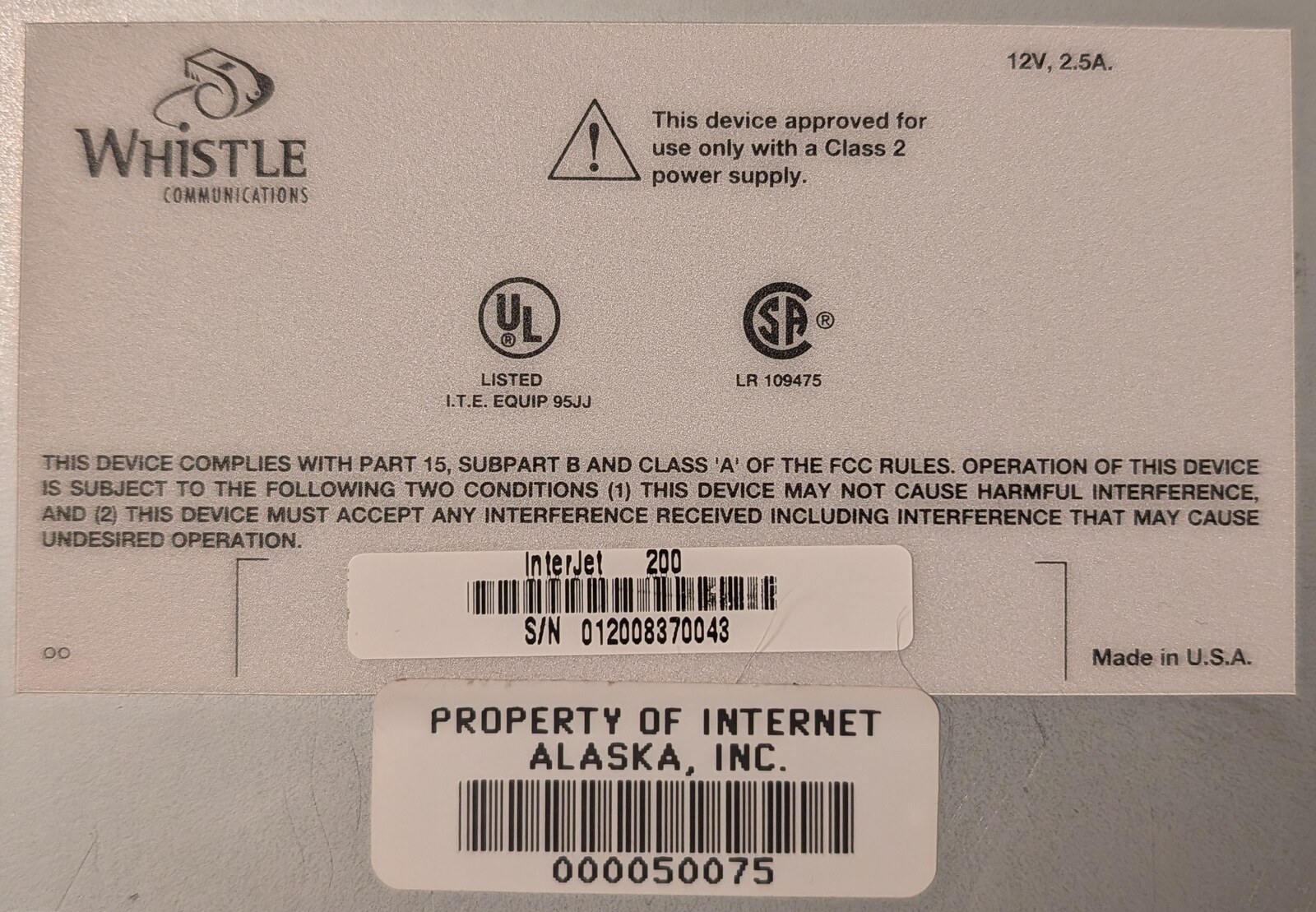
Bottom label of an InterJet 200: S/N 012008370043, 12V 2.5A, with an Internet Alaska asset tag.
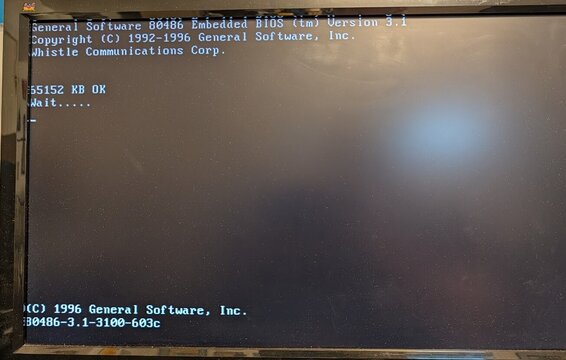
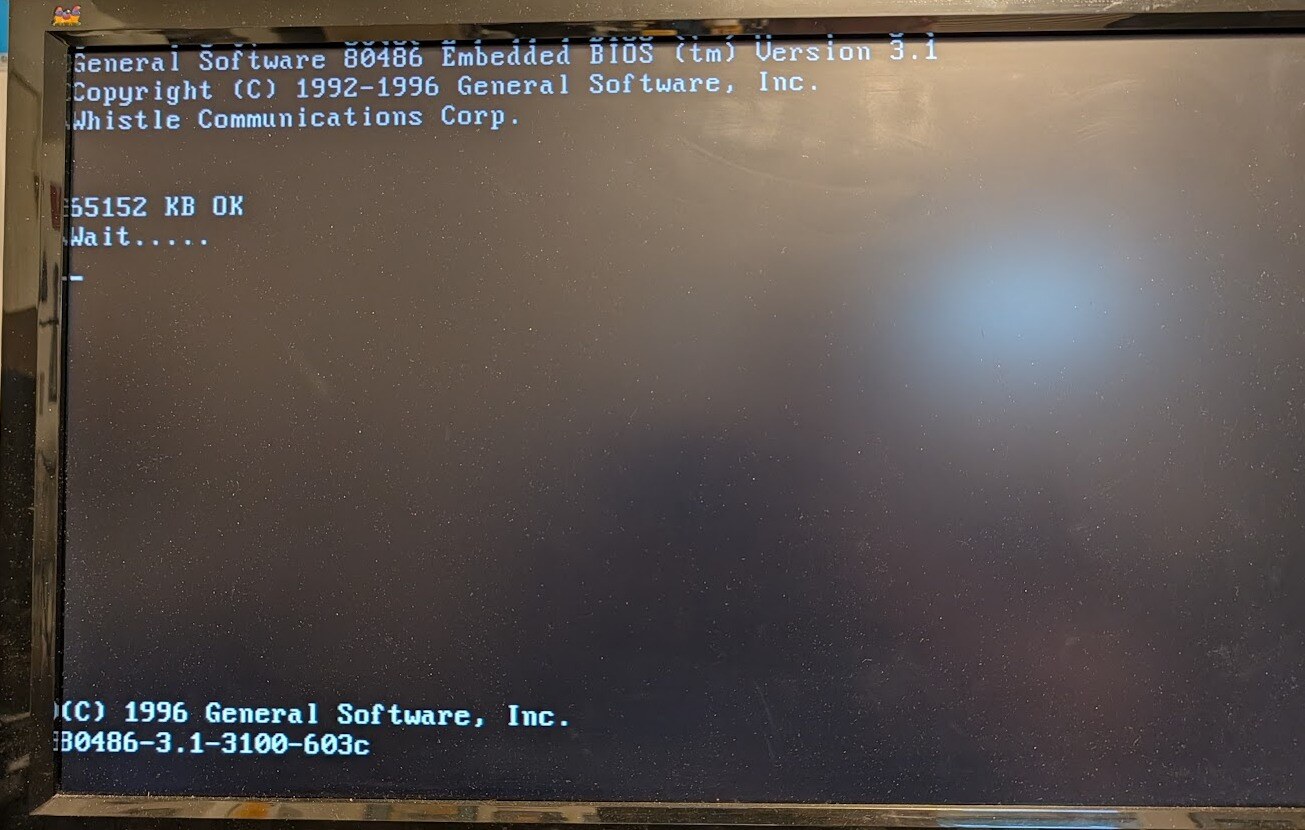
The power-on self test on an ISA VGA card: General Software 80486 Embedded BIOS (tm) Version 3.1, Whistle Communications Corp., 65152 KB OK.
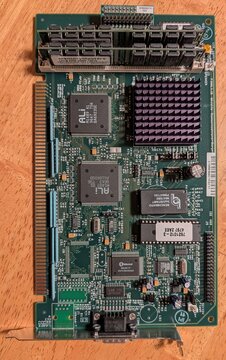
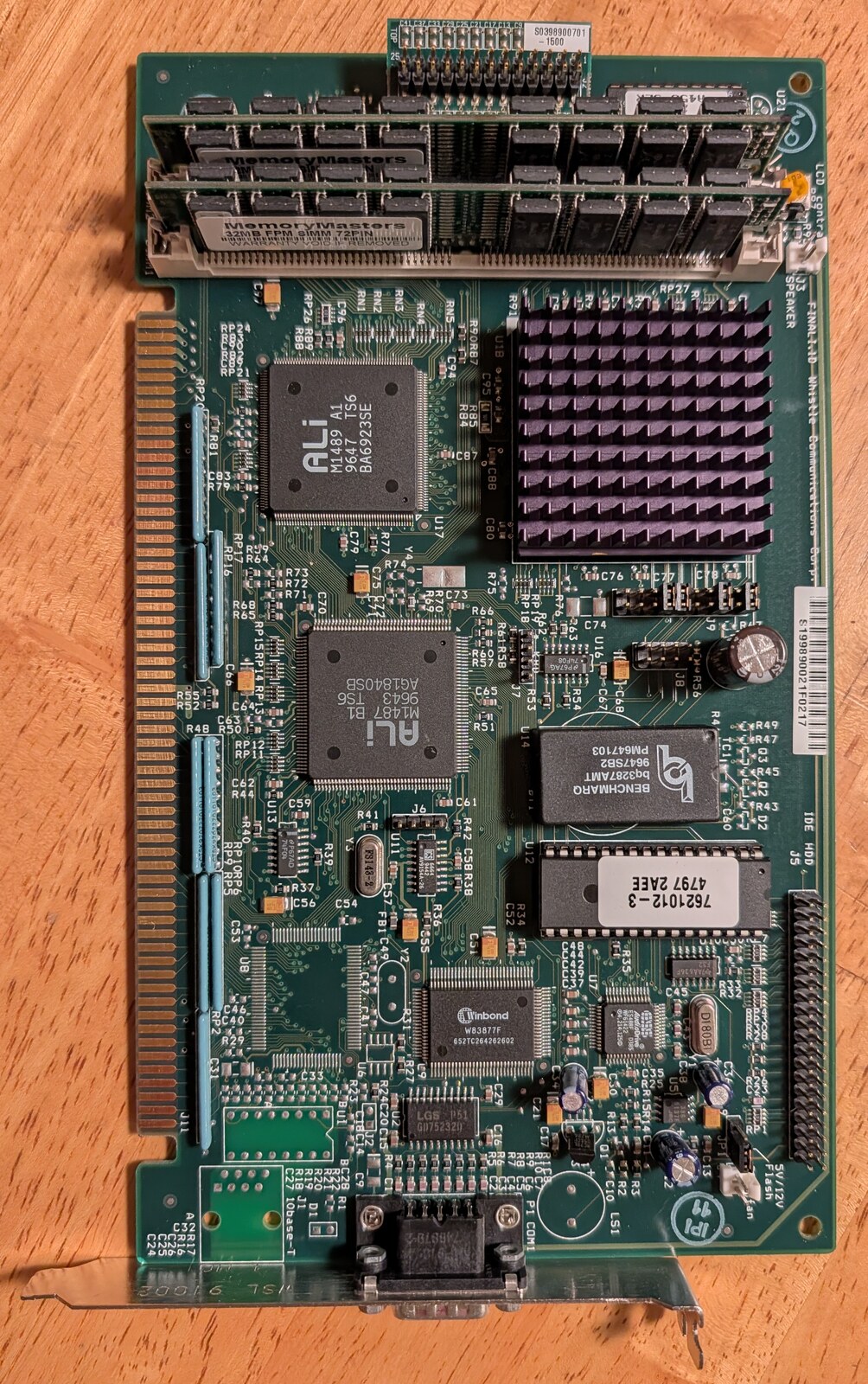
The InterJet I mainboard out of its chassis: the ALi M1489 and M1487 chipset, the boot ROM, two 72-pin memory modules, and along the left the card edge that plugs into the backplane.
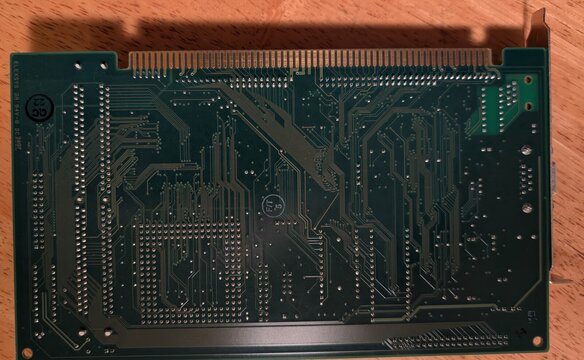
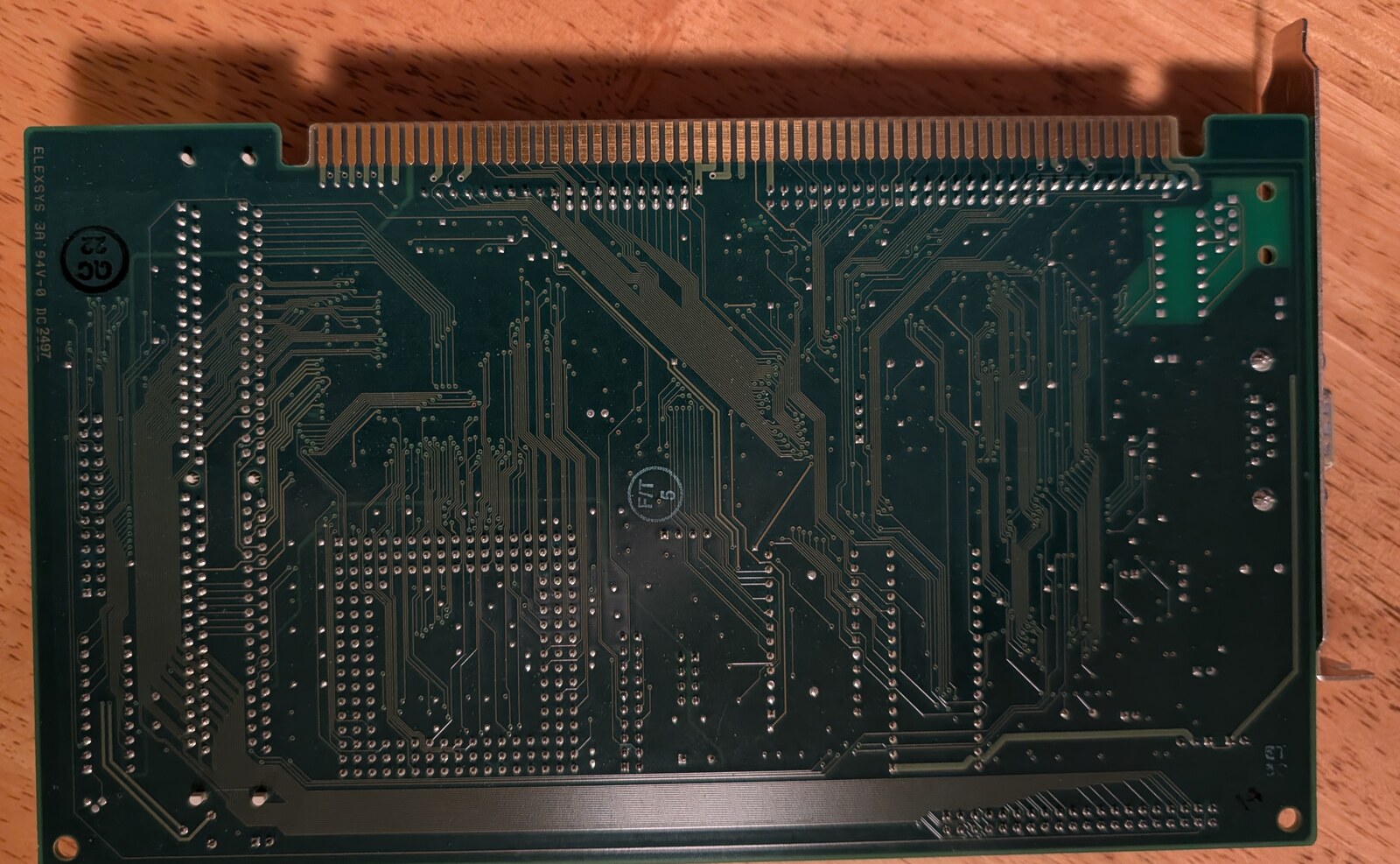
The mainboard's solder side. Its card edge has 60 contacts a side and no key notch: ISA's layout, with extra contacts where an ISA card has its notch and past its end.
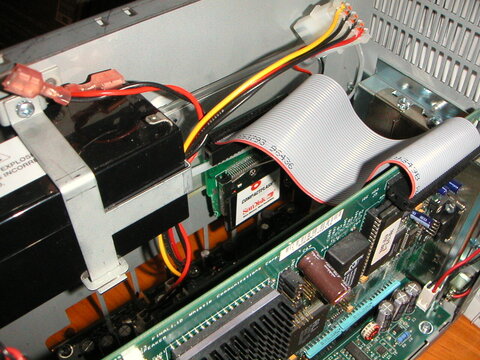
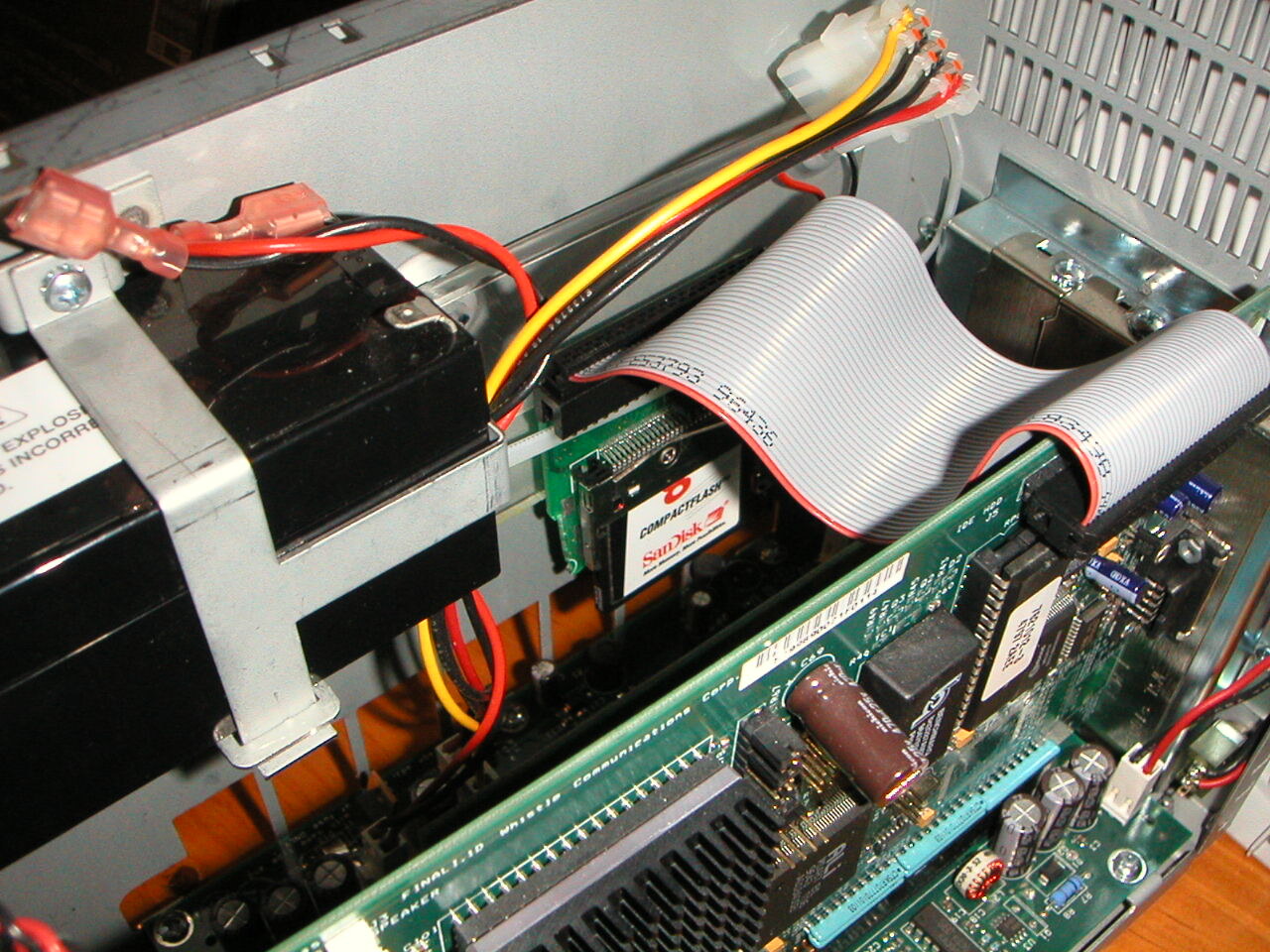
Inside an InterJet: the internal UPS battery and a CompactFlash adapter. Photo: Matt Schumacher, 2002
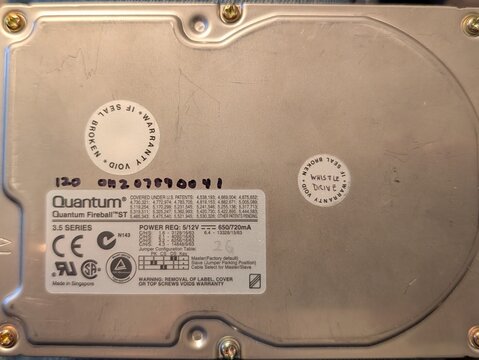
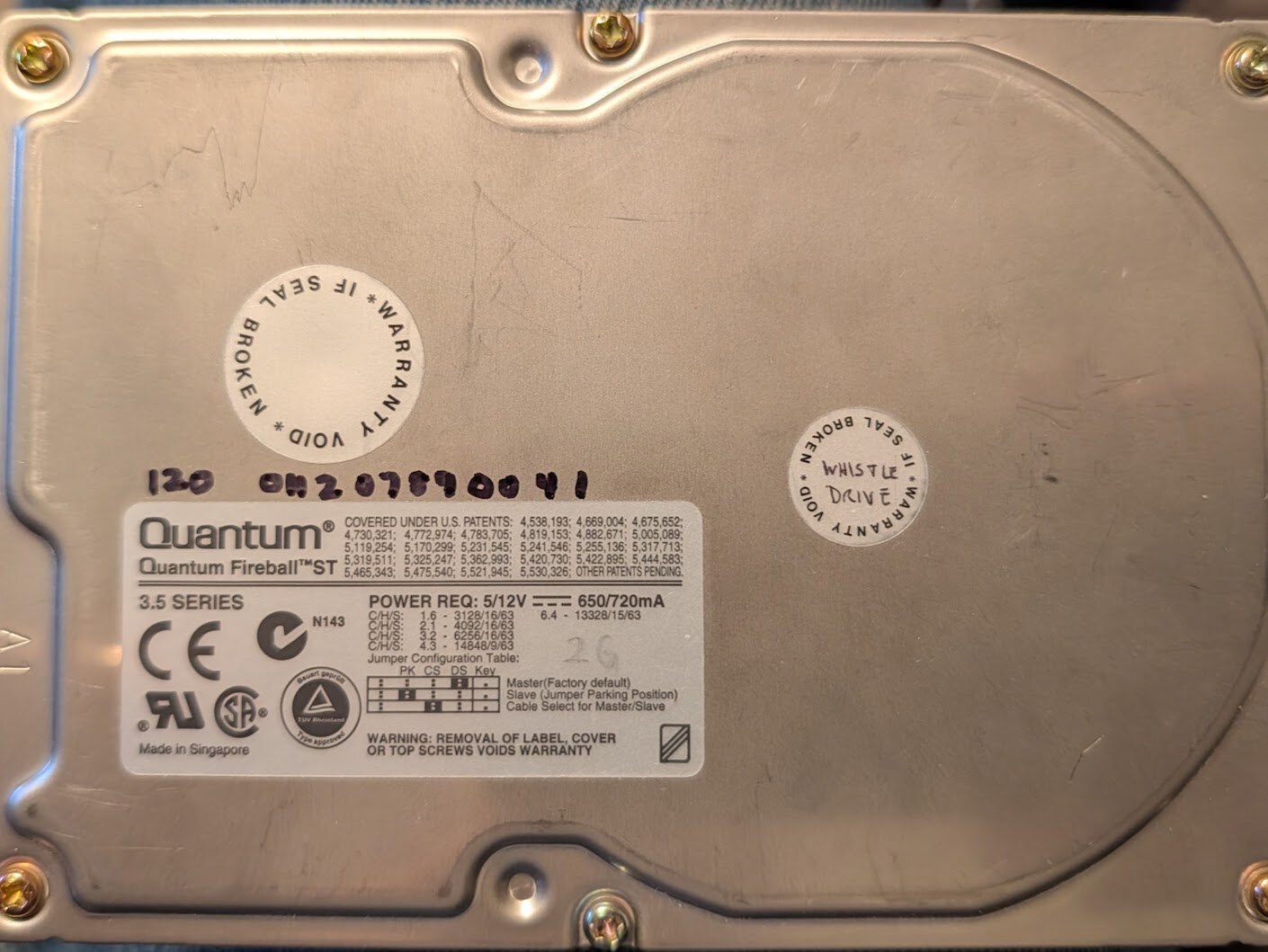
The factory drive of an InterJet 120: a Quantum Fireball ST with its "Whistle Drive" seal intact.
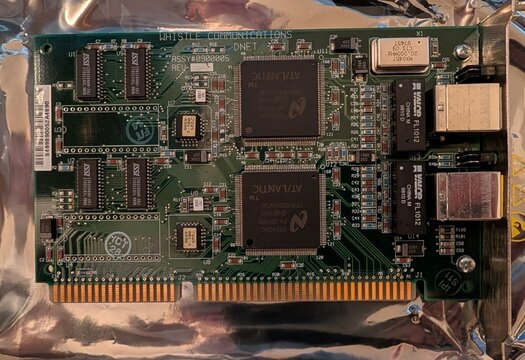
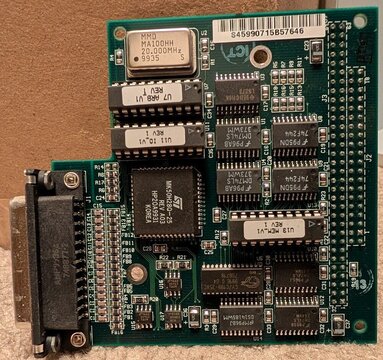
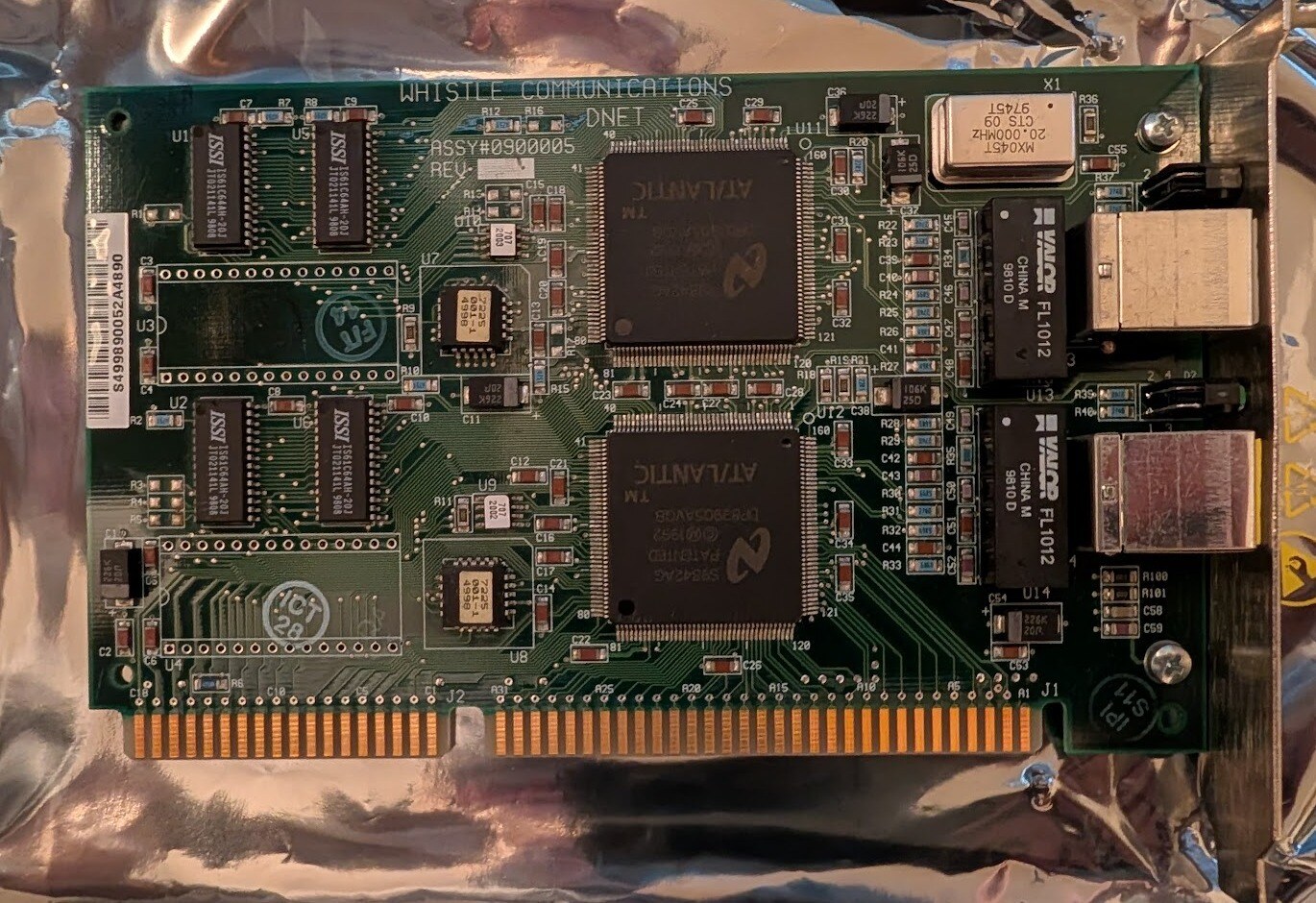
The Whistle dual-Ethernet ISA card, DNET ASSY#0900005, with two AT/LANTIC controllers.
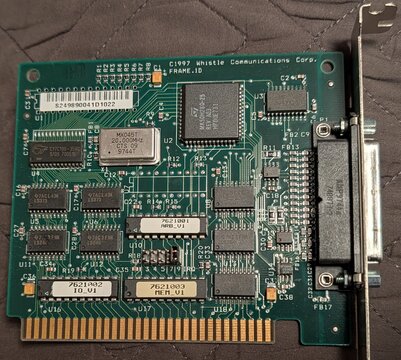
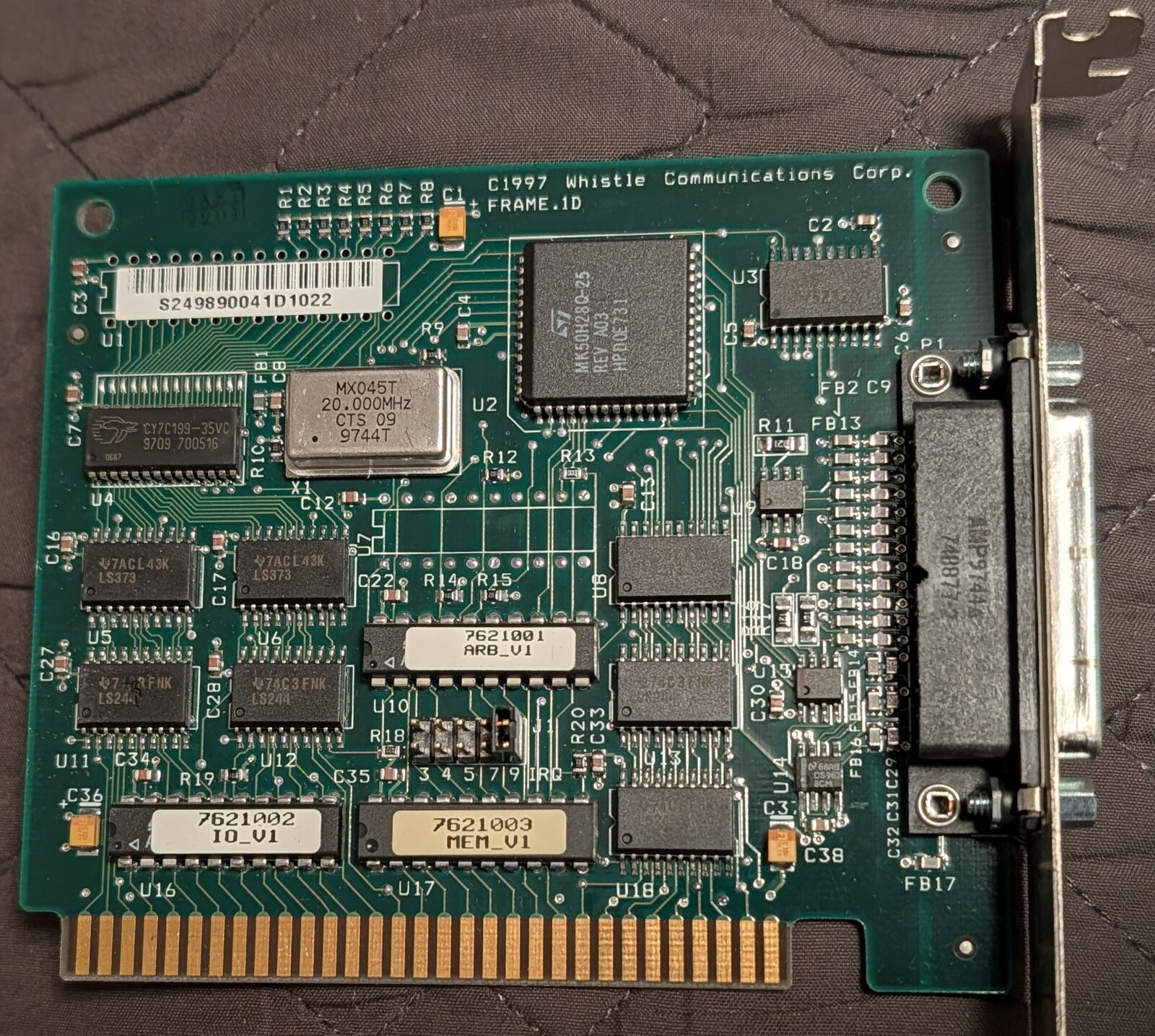
The Whistle frame relay card, FRAME.ID, (c)1997 Whistle Communications Corp.
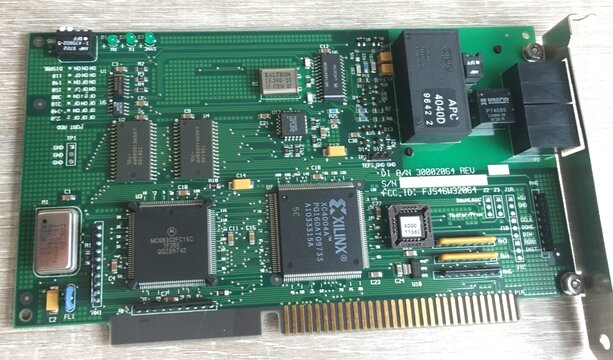
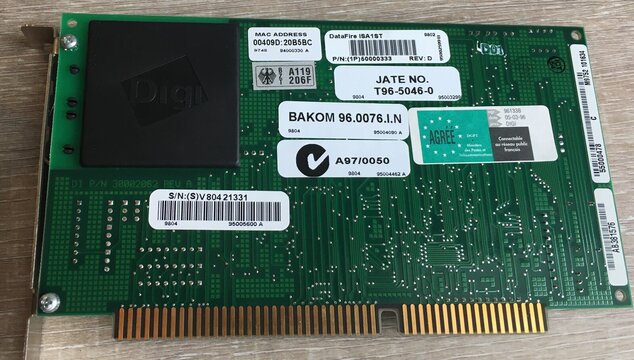
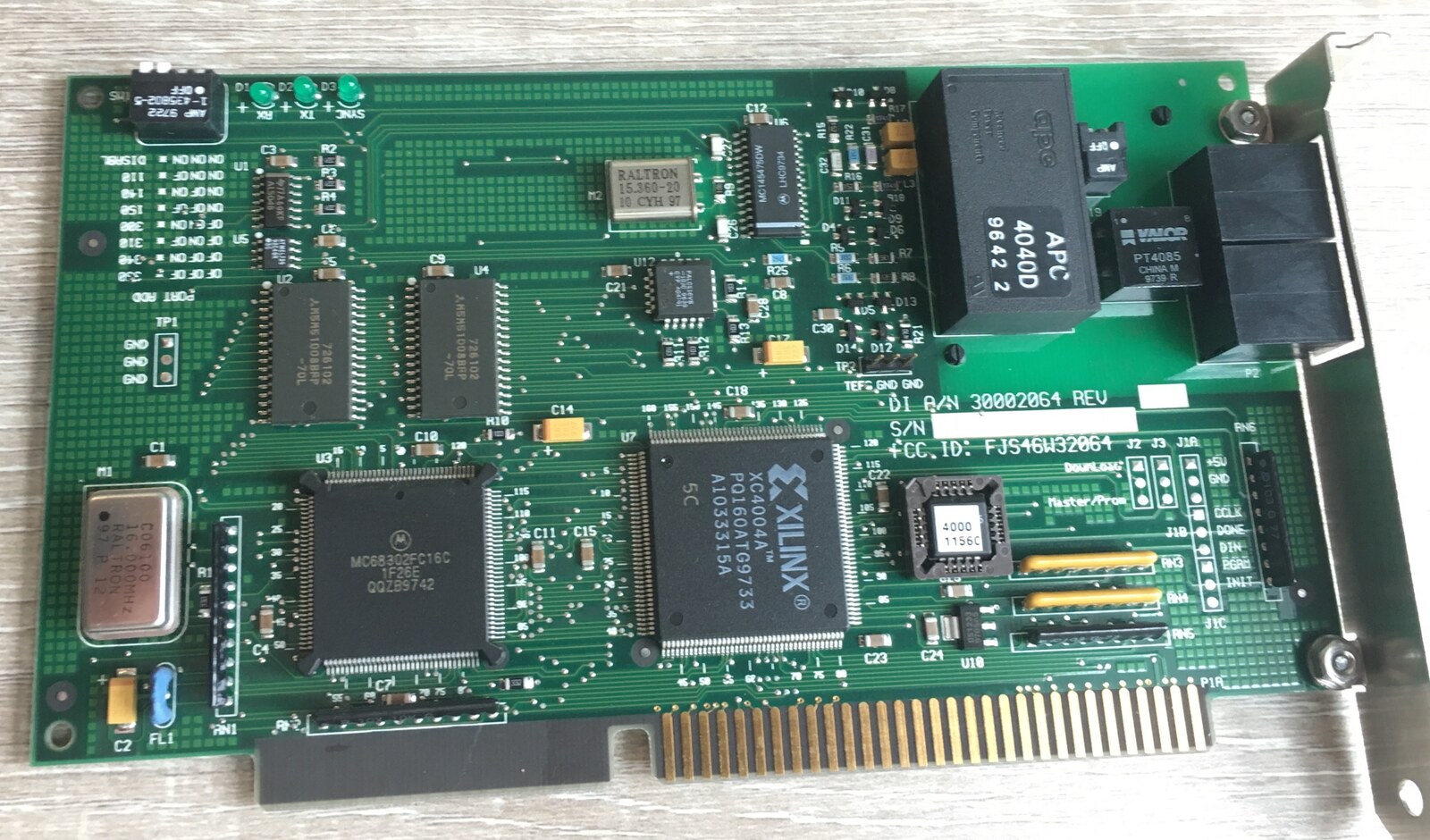
The Digi DataFire ISA1ST, the S/T ISDN card from a Dutch InterJet: Motorola 68302, Xilinx XC4004A, two RJ-45 jacks. See ISDN. Photo: MM
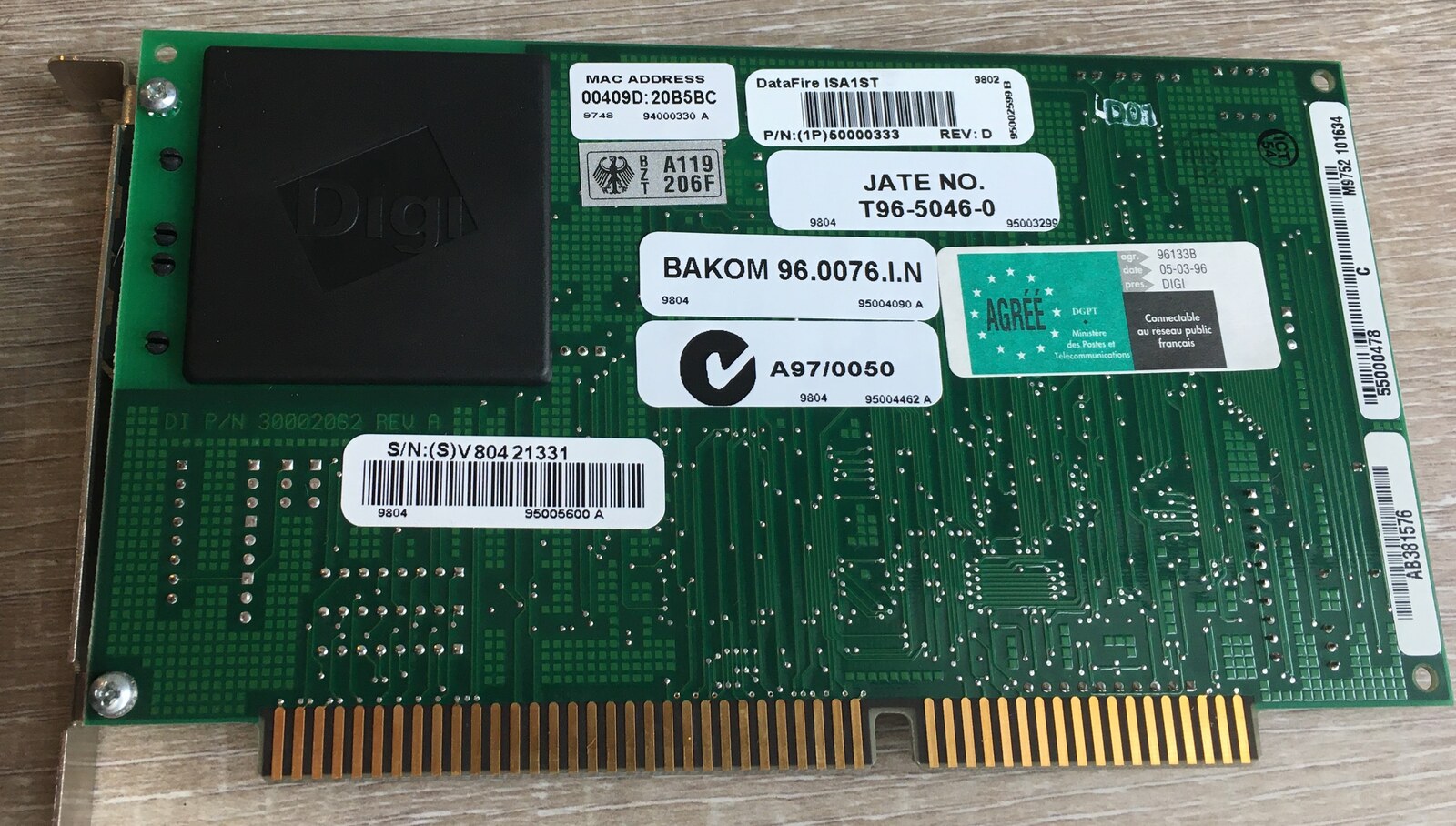
The back of the DataFire ISA1ST: product, MAC address and serial labels, and approvals from Germany, Japan, Switzerland, France and Australia. Photo: MM
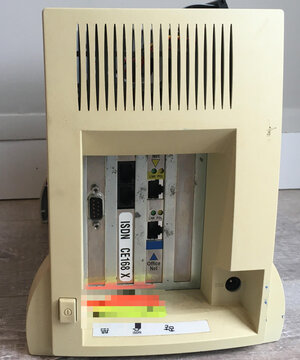
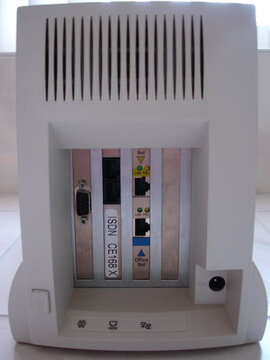
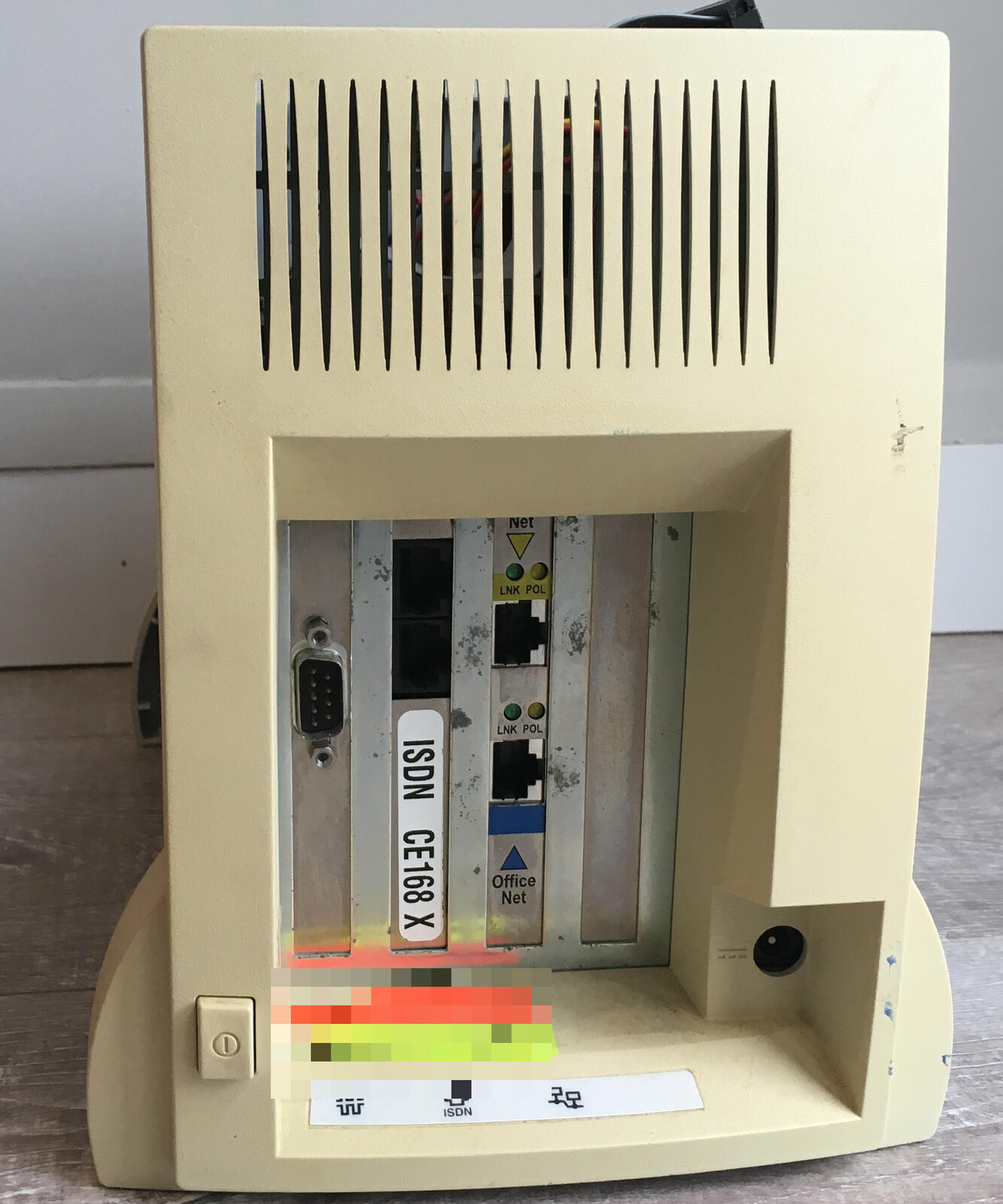
A Dutch InterJet's rear: the ISDN card's bracket, labeled "ISDN CE168 X", and an ISDN icon on the port label strip. (Stickers below the slots blurred.) Photo: MM
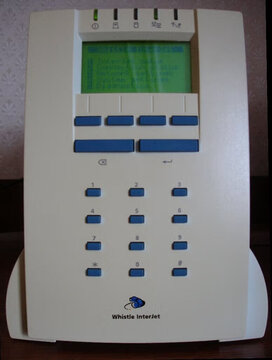
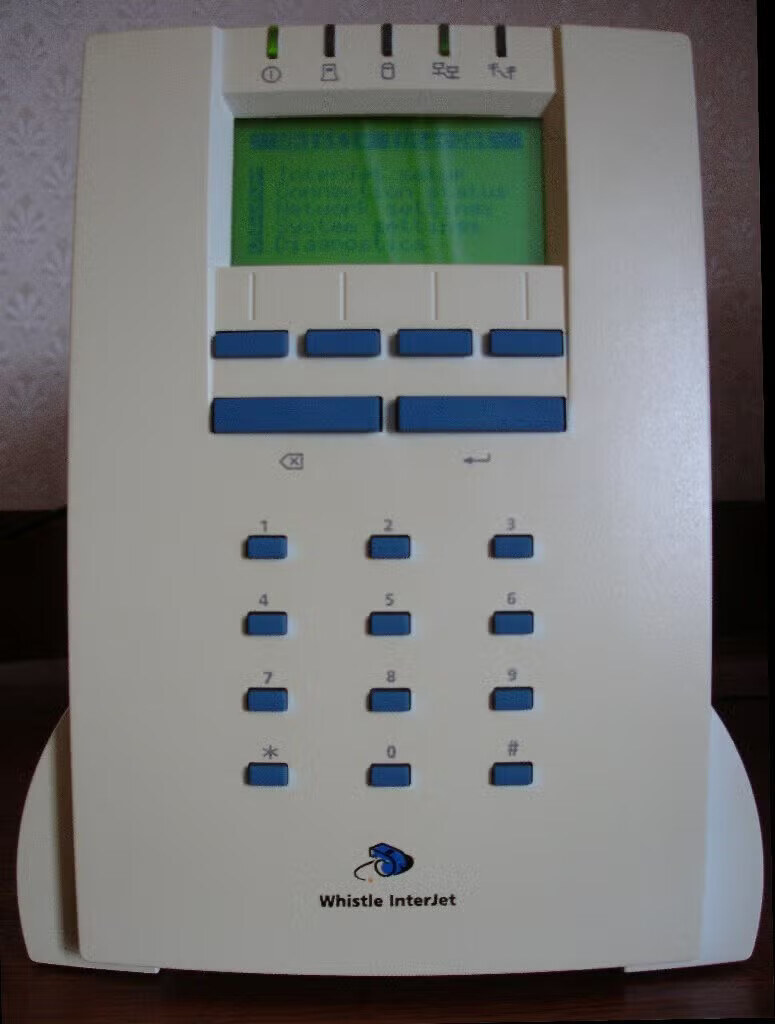
An InterJet 140 Indigo, front: the WhistleWare main menu on the panel. Photo: Tim de Brie
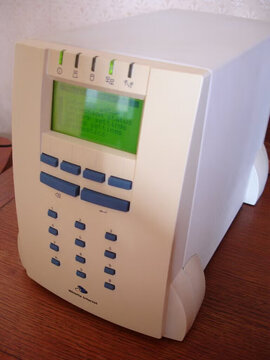
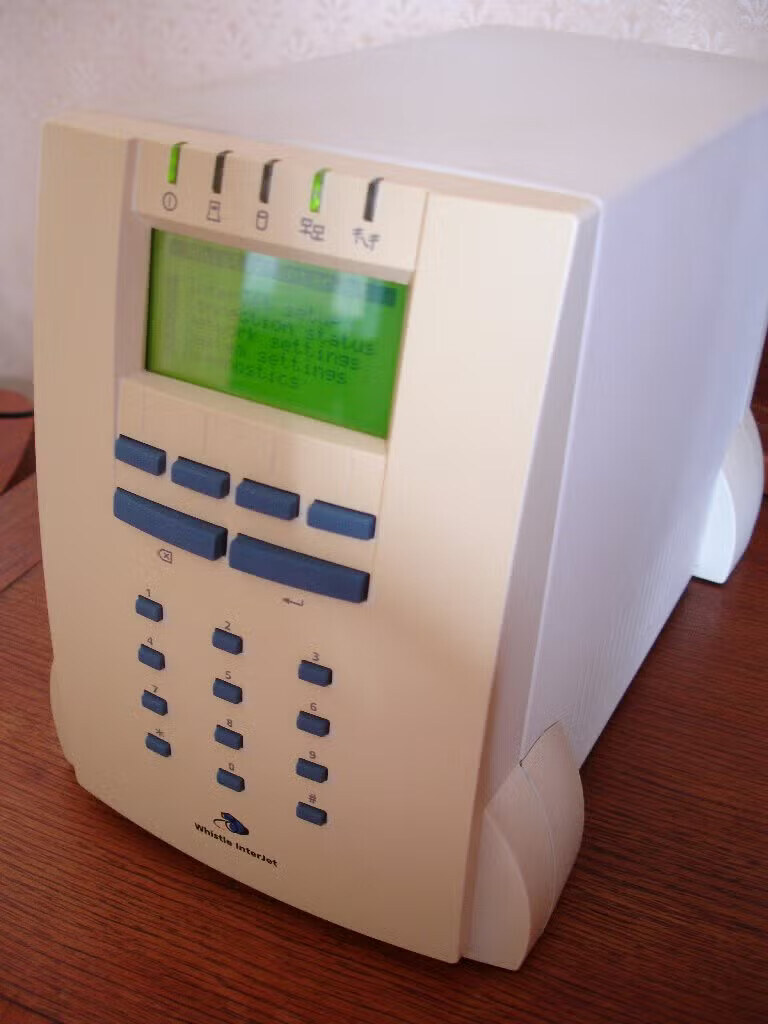
The InterJet 140 Indigo at an angle, power and network lights on. Photo: Tim de Brie
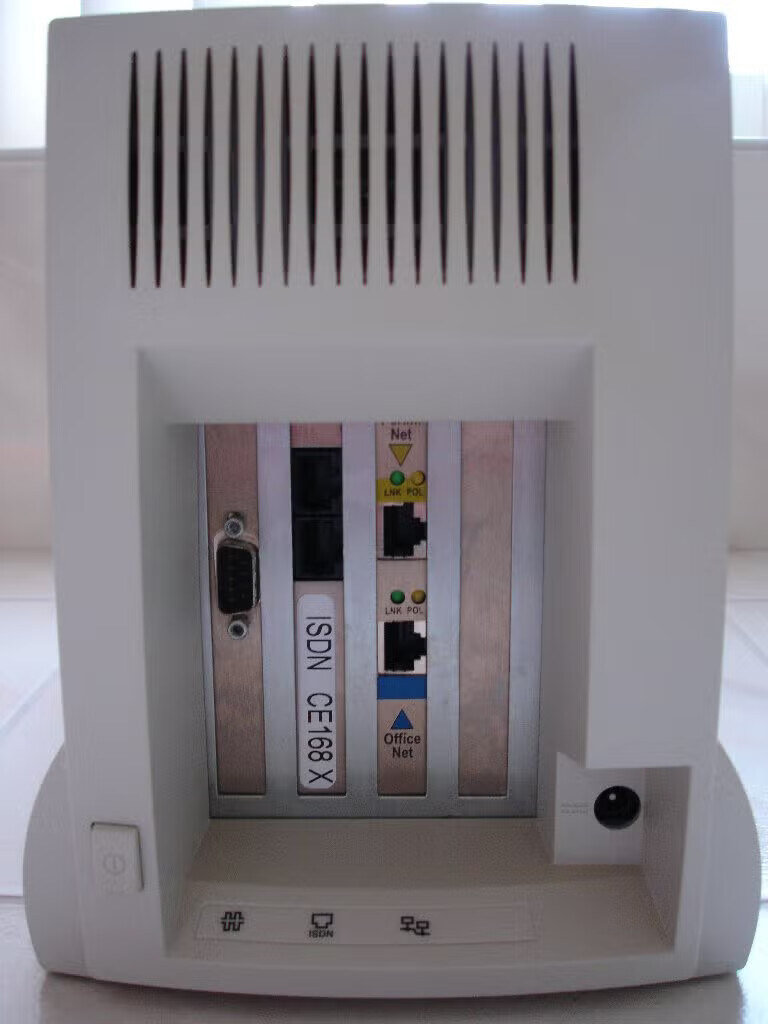
The InterJet 140 Indigo, rear: a serial port, the ISDN card labeled "ISDN CE168 X", and the Perimeter and Office Network Ethernet ports. Photo: Tim de Brie
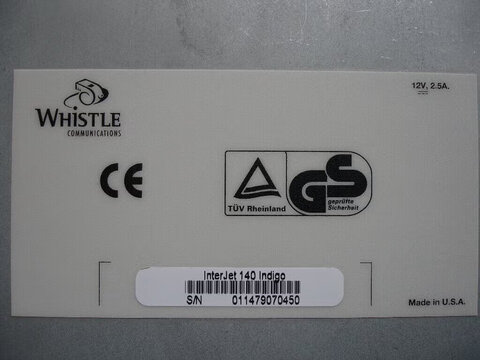
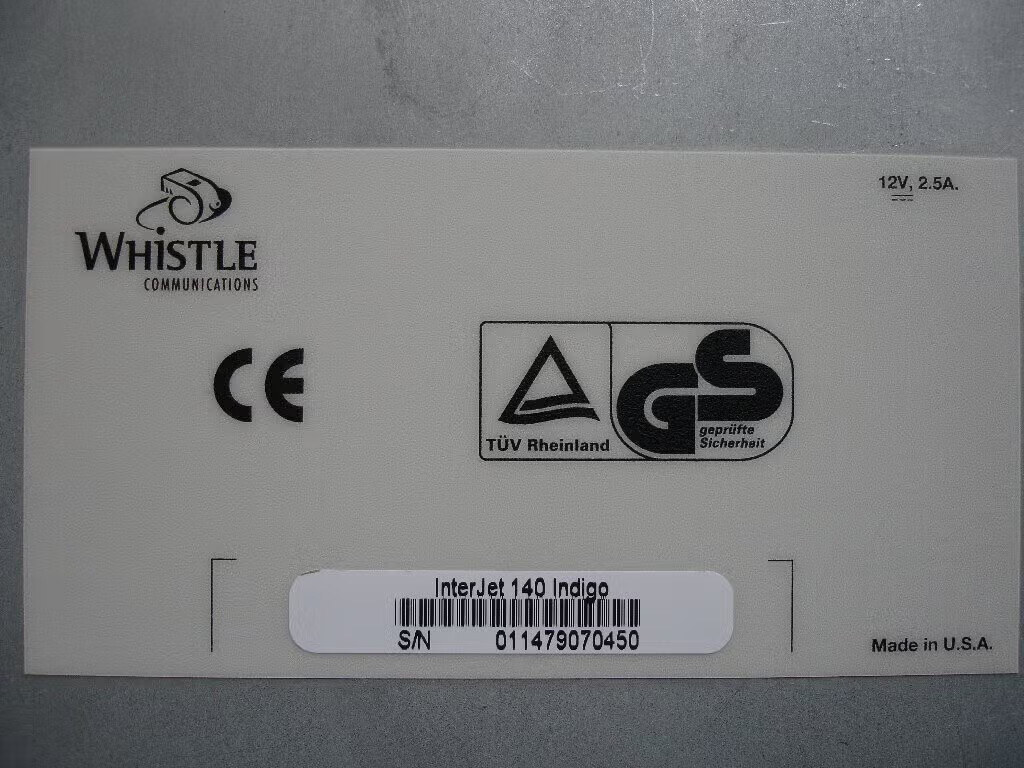
Bottom label of an InterJet 140 Indigo: S/N 011479070450, 12V 2.5A, CE and TUV Rheinland GS marks, Made in U.S.A. Photo: Tim de Brie
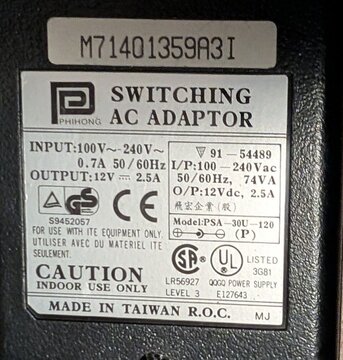
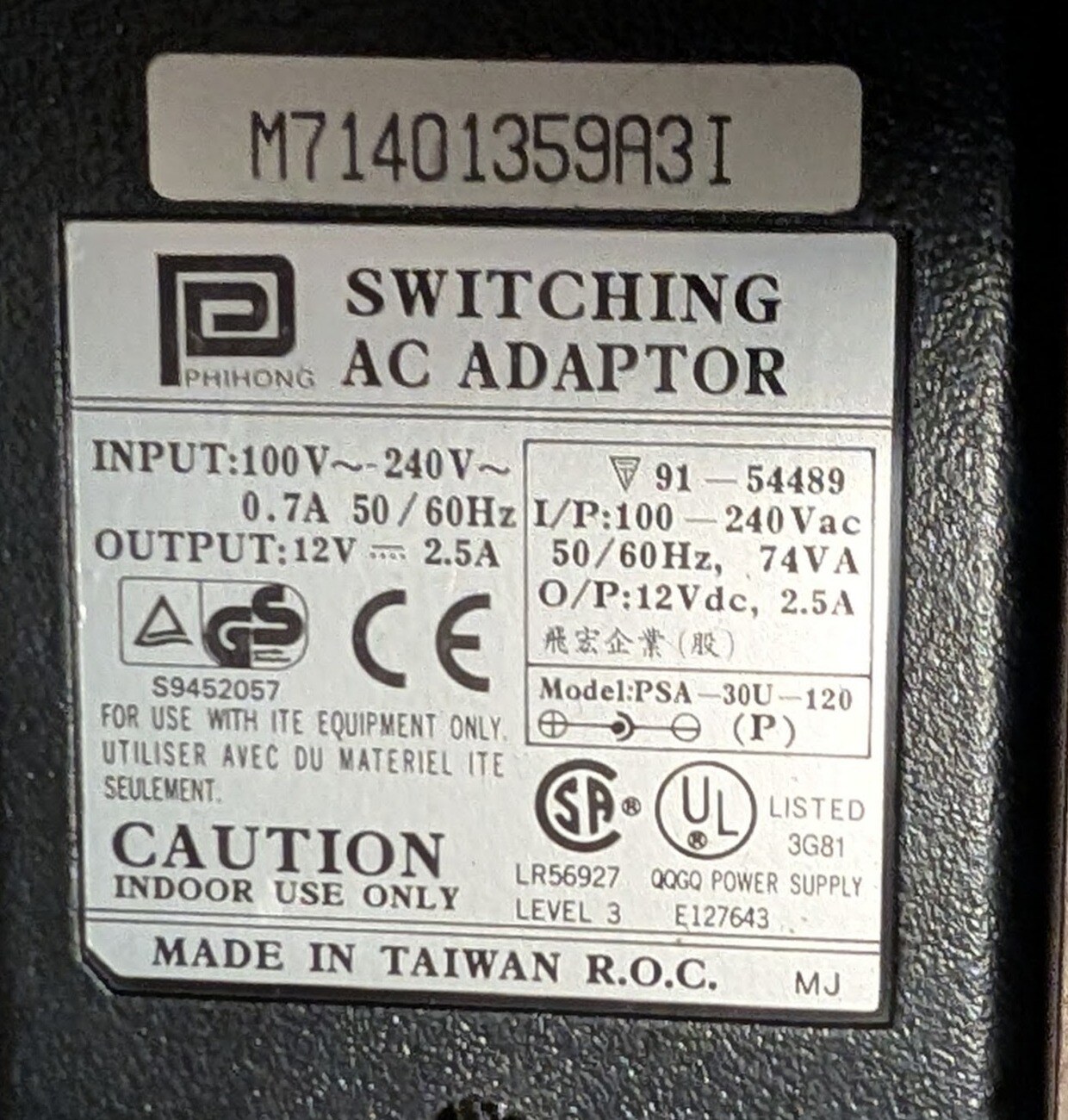
The InterJet power adapter: Phihong PSA-30U-120, 12 V 2.5 A.
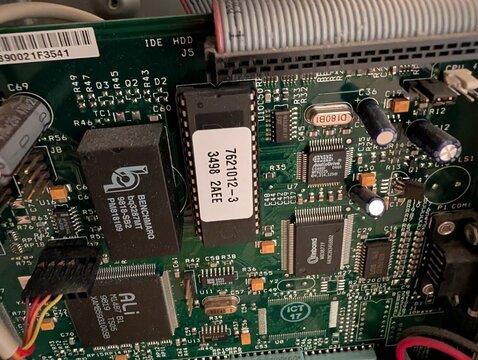
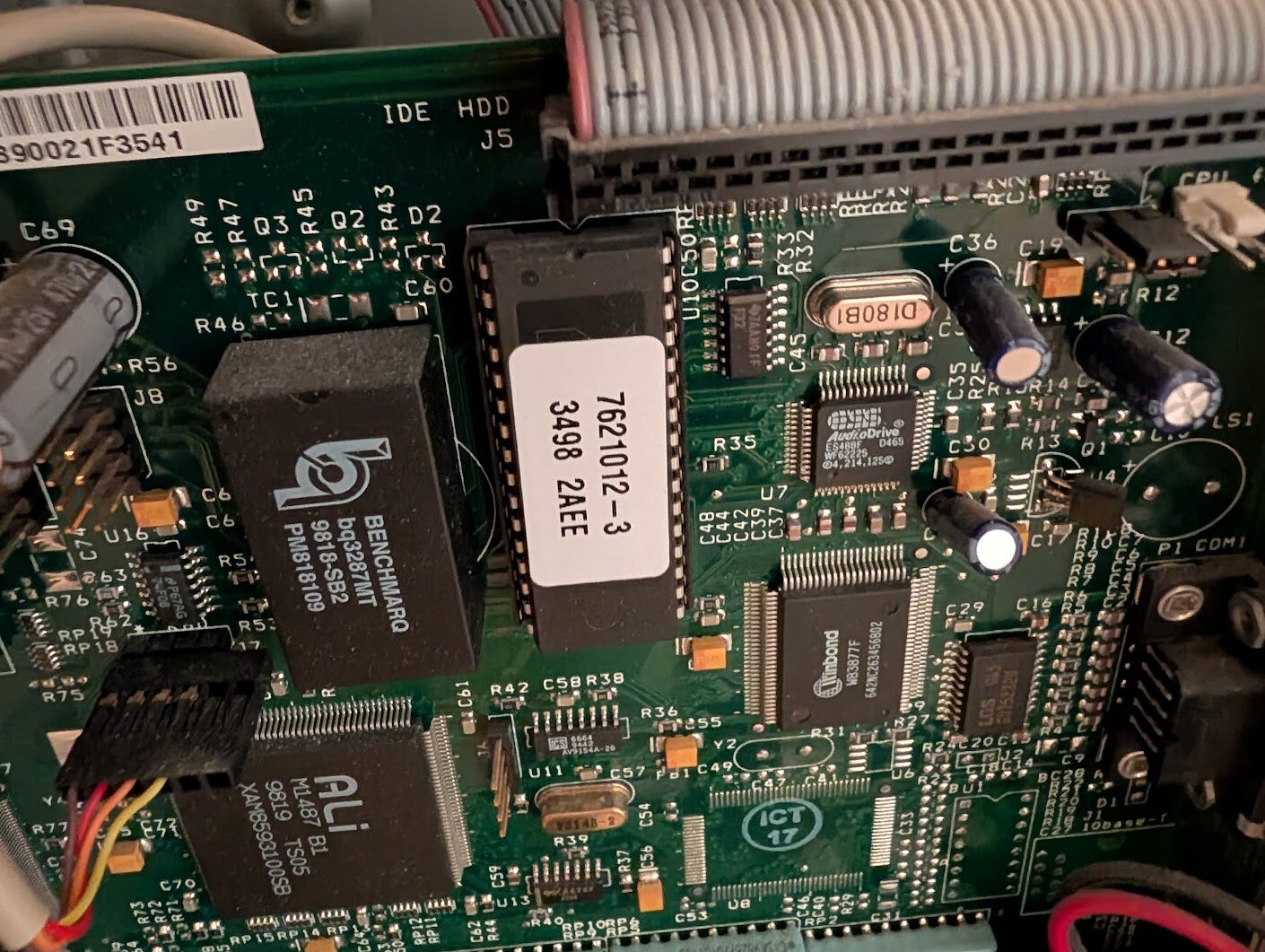
The boot ROM on the mainboard, labelled 7621012-3 3498 2AEE.
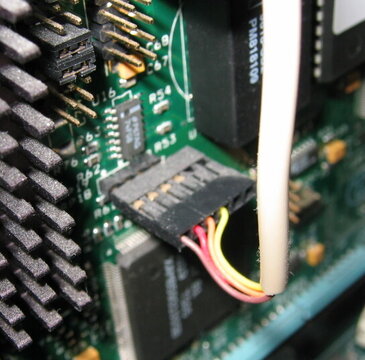
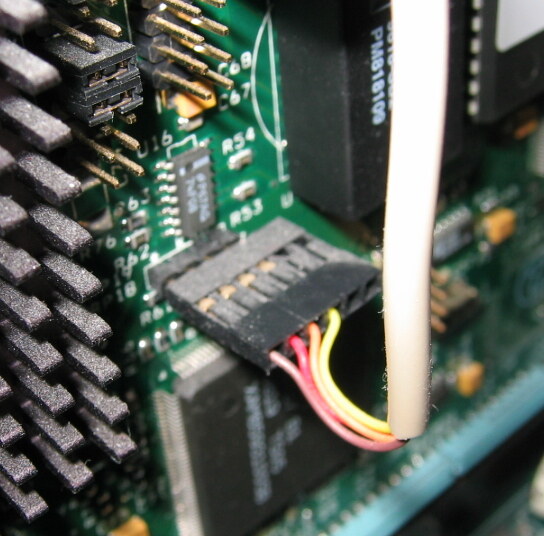
A keyboard header and cable on the mainboard.
InterJet history
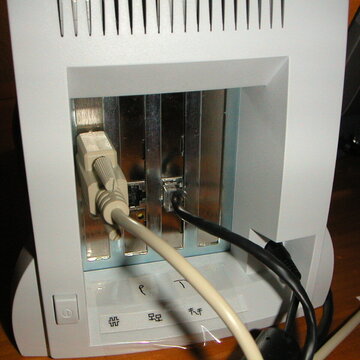
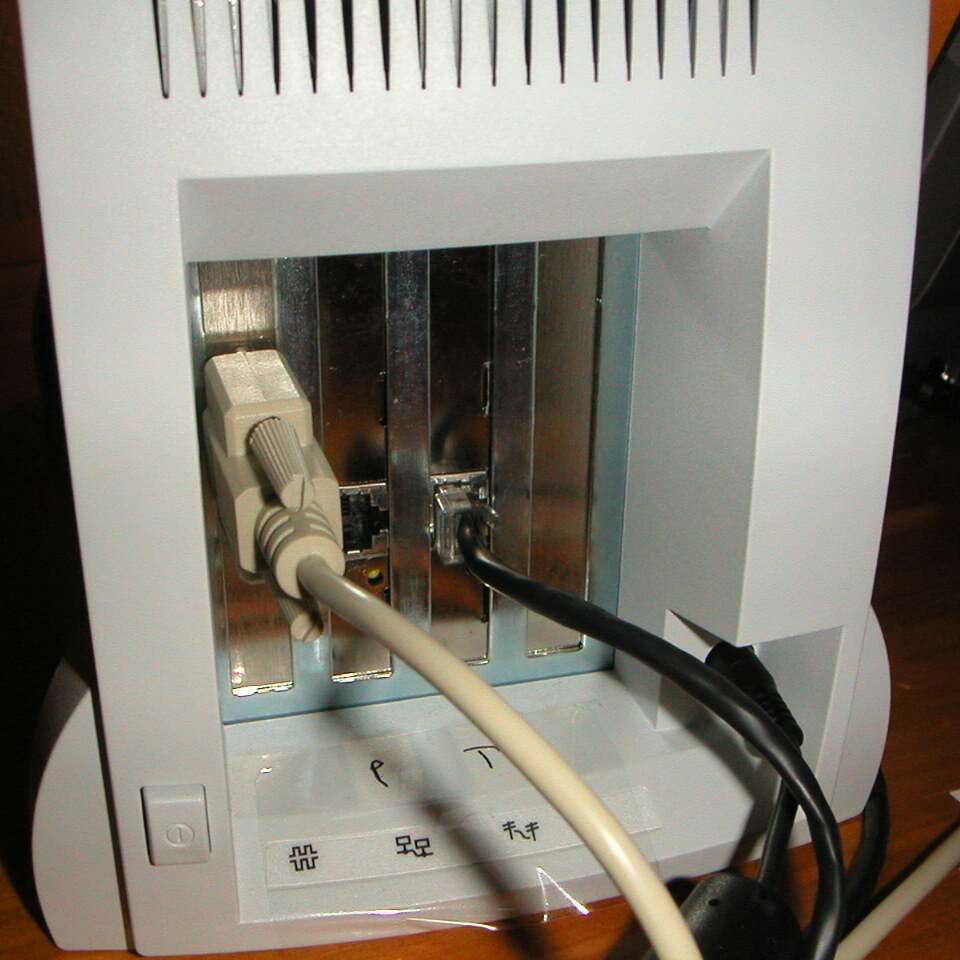
The InterJet rear, its card slots with cables fitted. Photo: Matt Schumacher, 2002
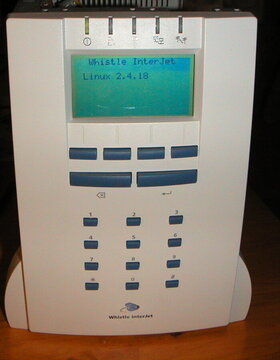
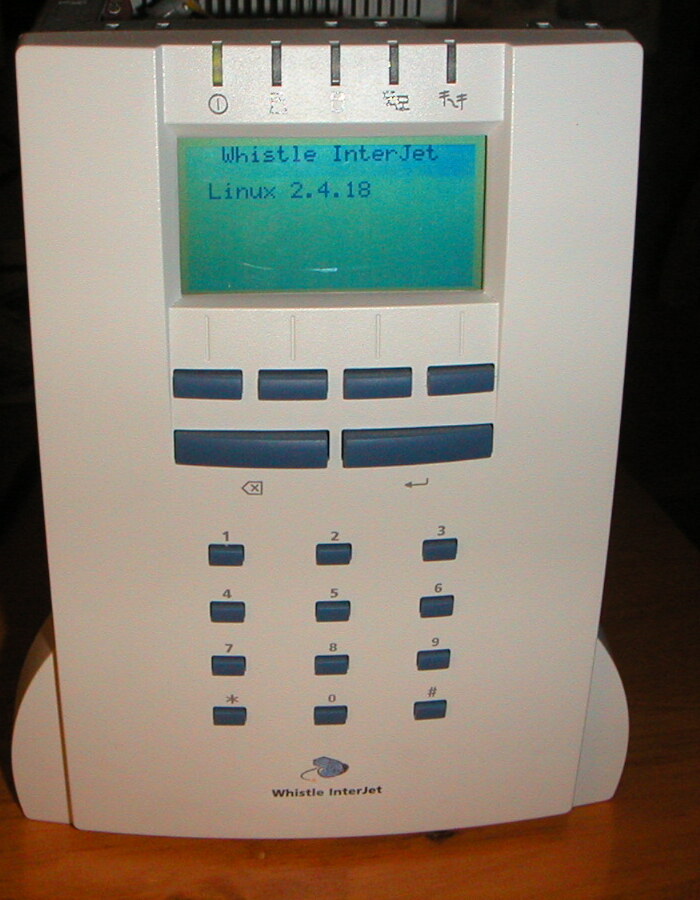
An InterJet running Linux in 2002, the panel reading Whistle InterJet / Linux 2.4.18. Photo: Matt Schumacher, 2002
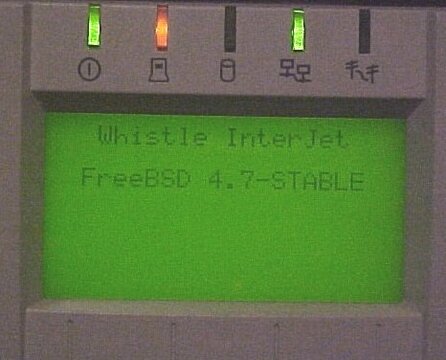
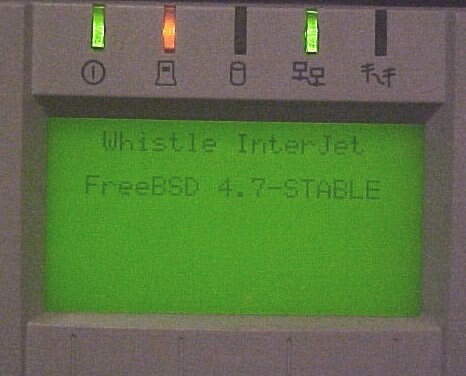
The panel under FreeBSD 4.7-STABLE, 2002.
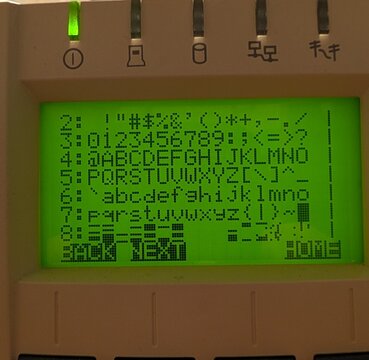
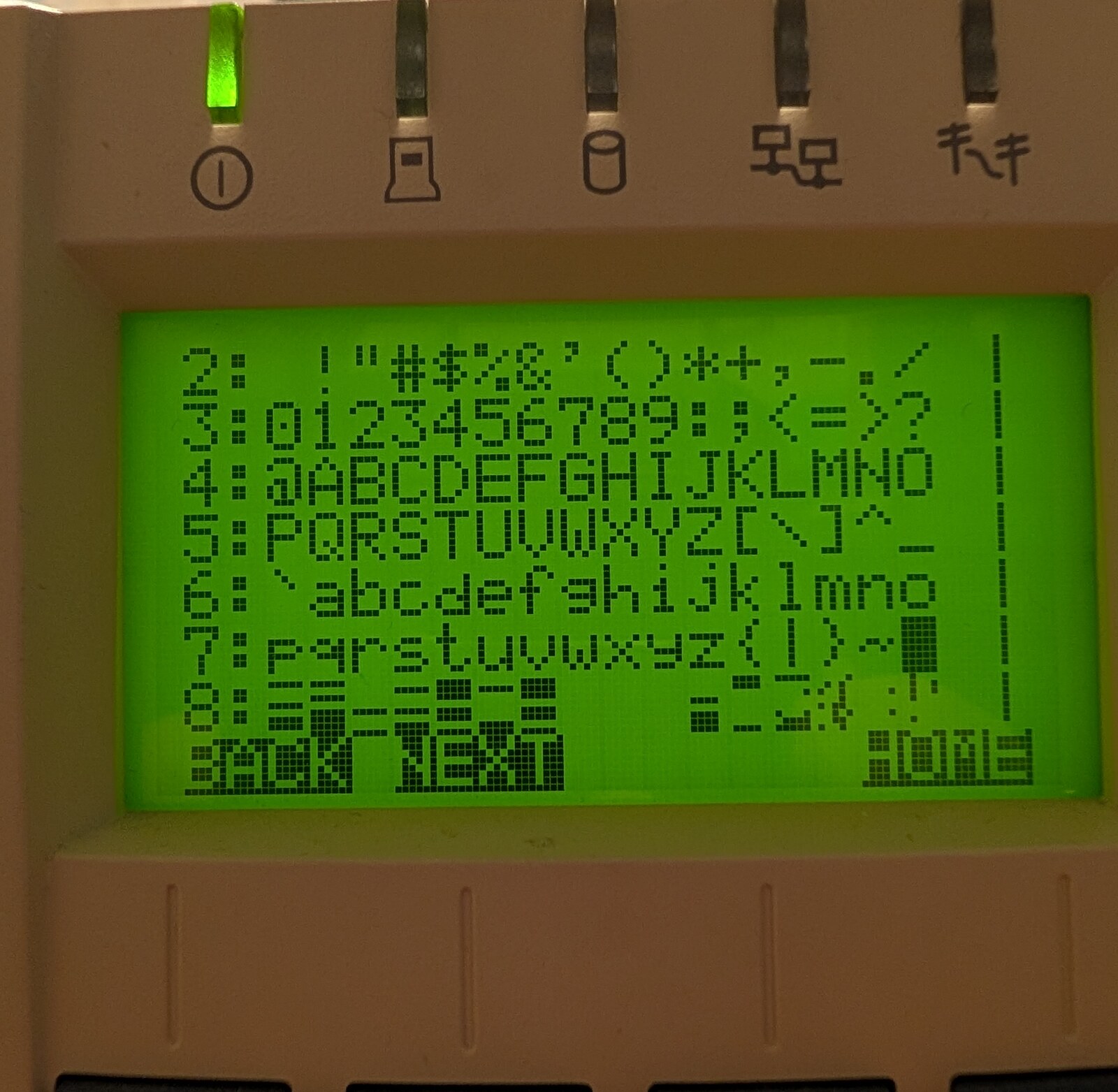
The panel's built-in character set, drawn by lcdd.
InterJet II
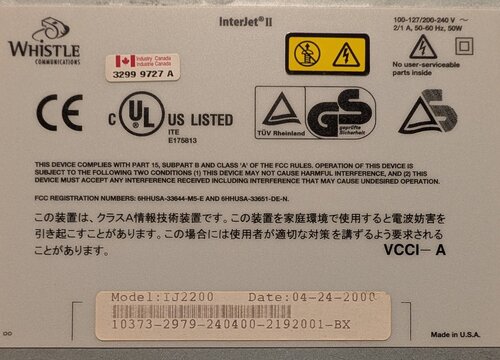
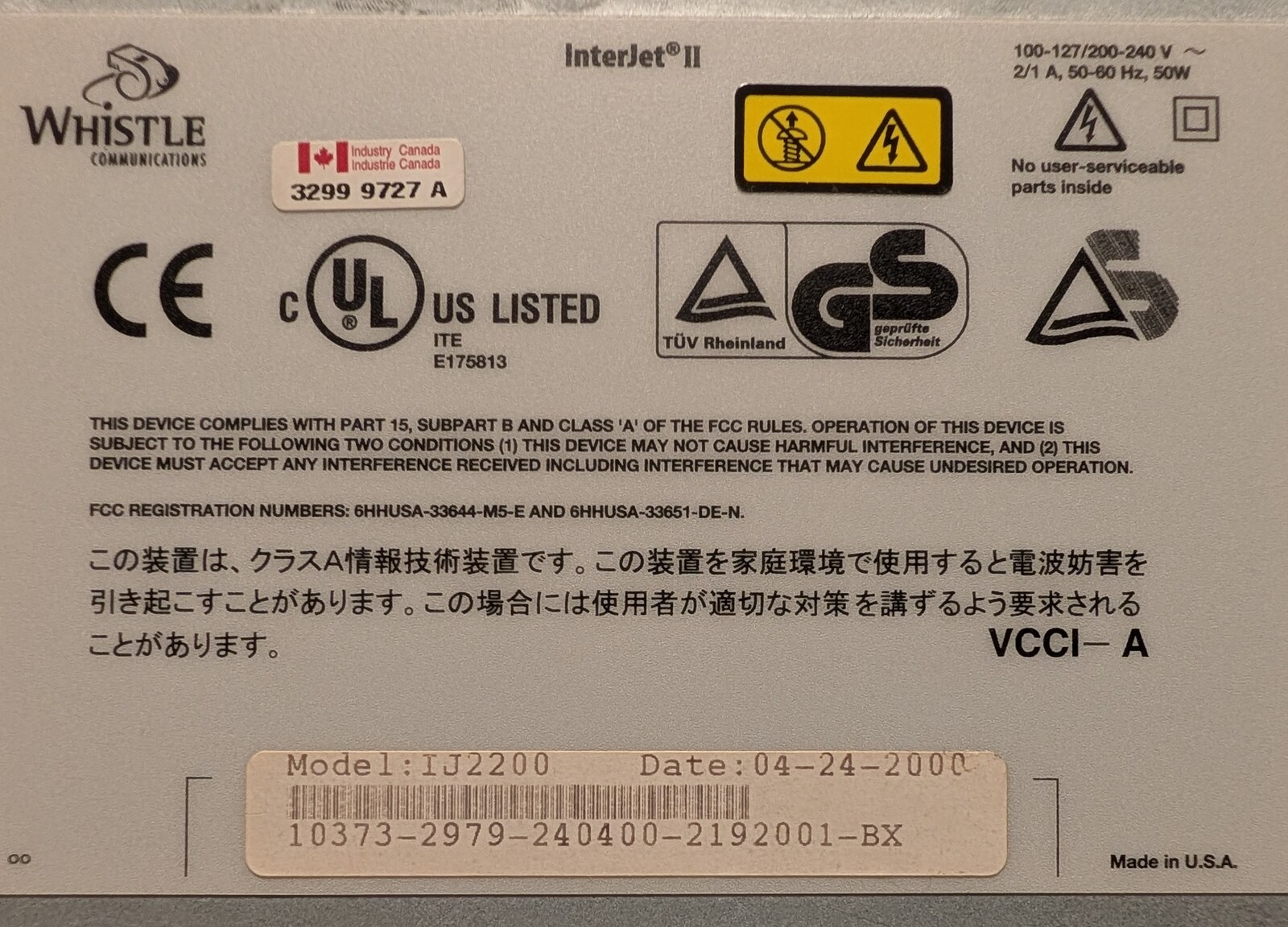
The InterJet II bottom label: Model IJ2200, Date 04-24-2000, FCC registration 6HHUSA-33644-M5-E and 6HHUSA-33651-DE-N.
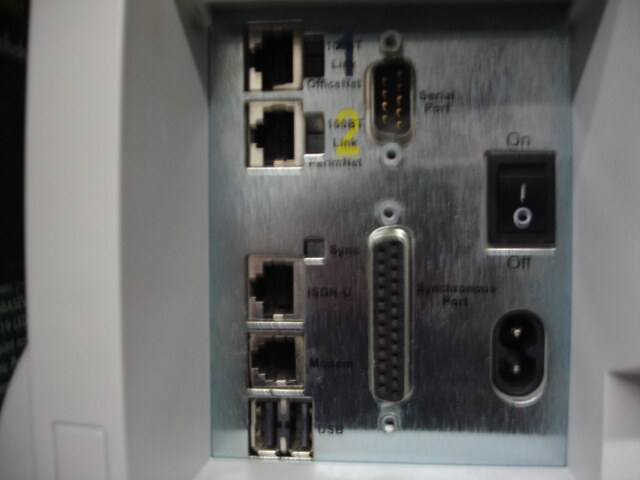
The InterJet II rear panel. Photo: from an eBay listing, 2007
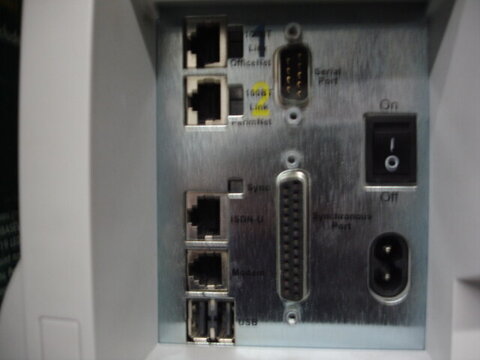
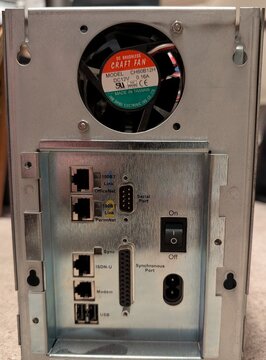
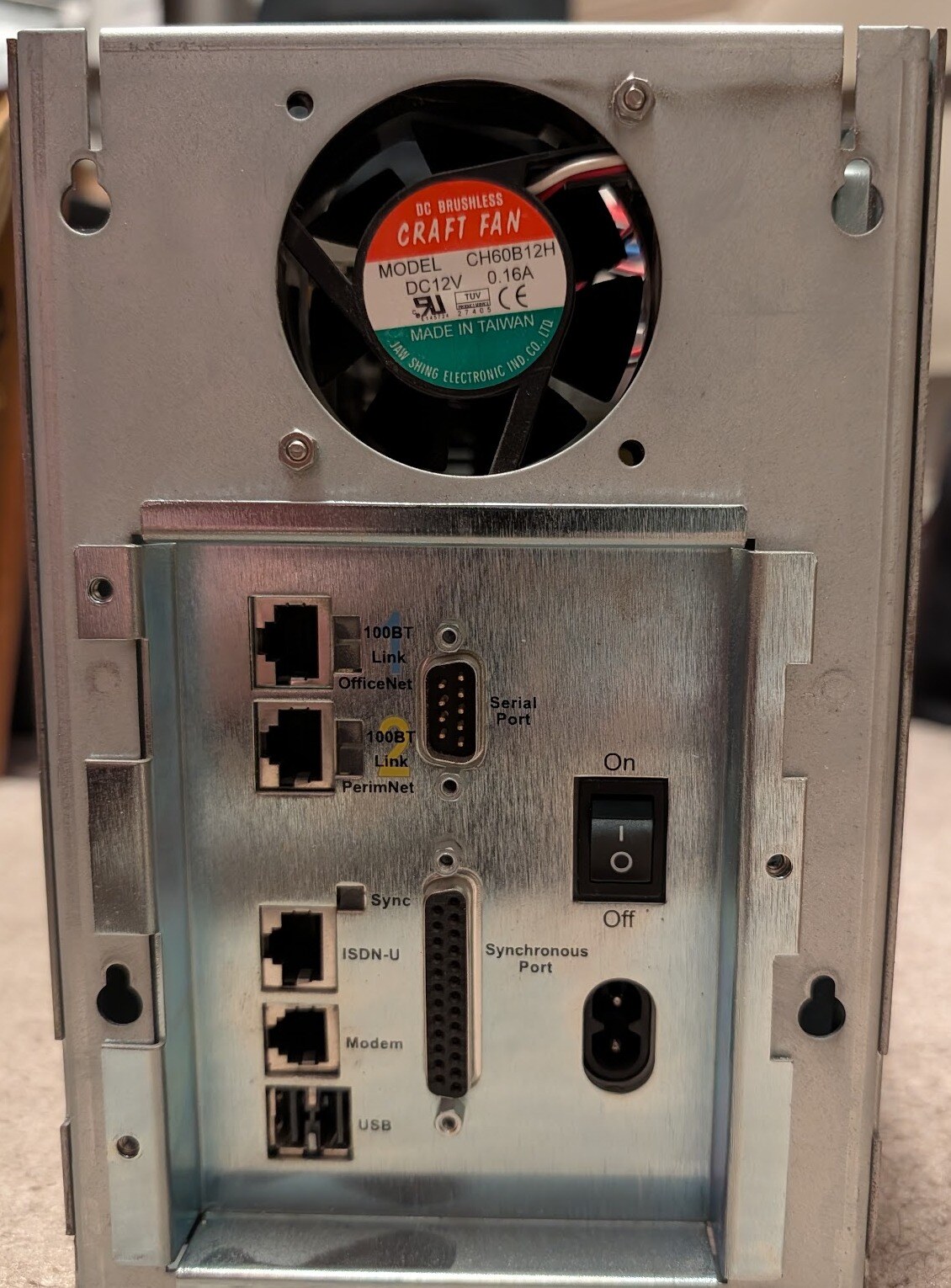
The InterJet II rear with its cover off: OfficeNet and PerimNet 100BT, Serial Port, Sync, ISDN-U, Modem, USB, Synchronous Port.
The InterJet II mainboard from above.
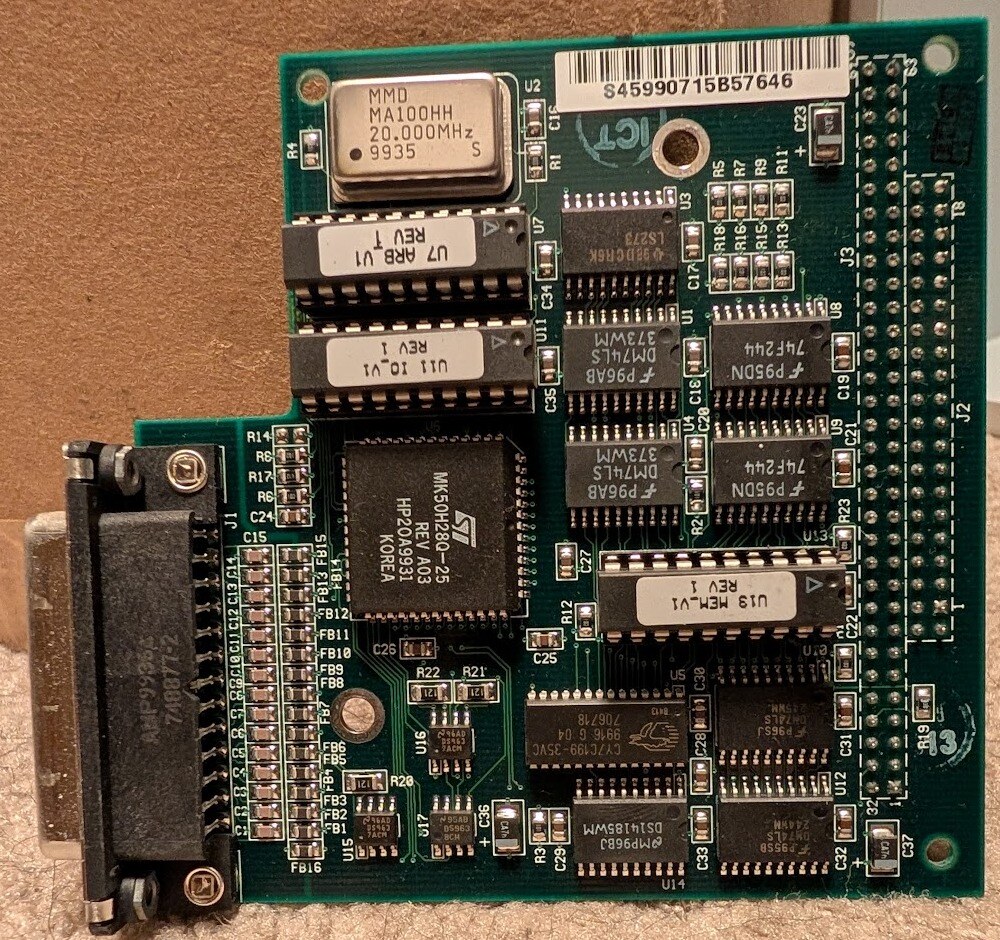
The InterJet II riser card that carries the 25-pin Synchronous Port.
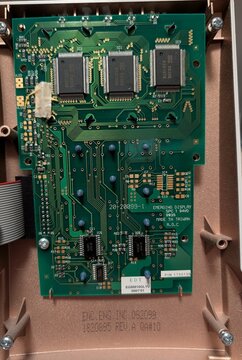
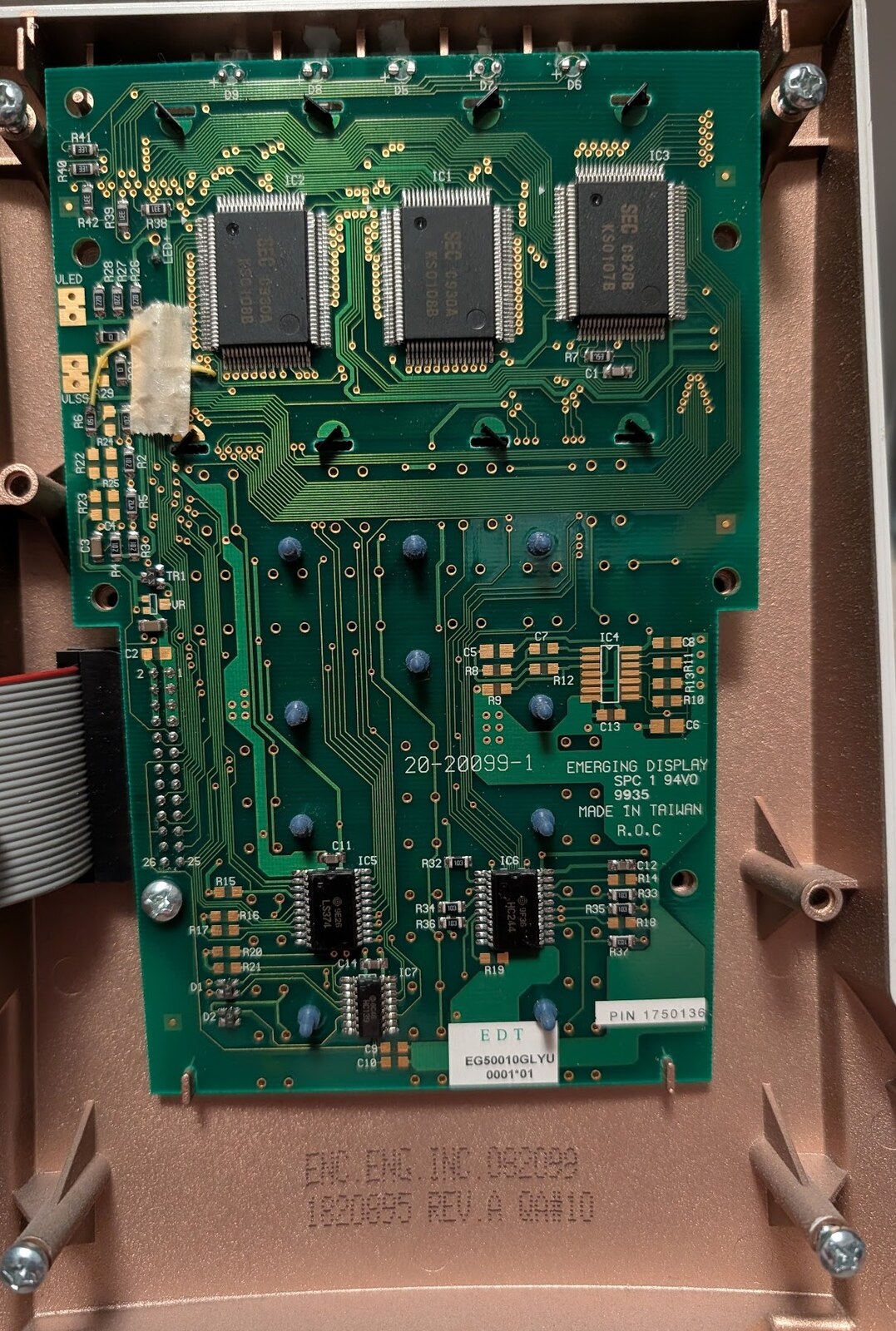
The InterJet II front panel board, Emerging Display 20-20099-1.
Ephemera
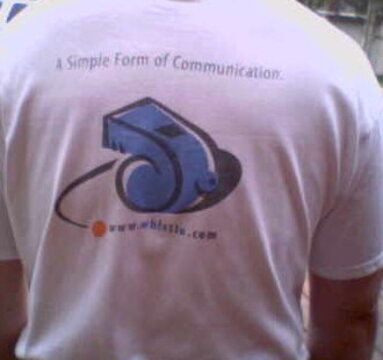
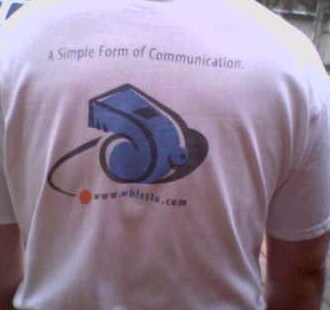
A Whistle Communications T-shirt, back print: A Simple Form of Communication.
An original Whistle mug, front: the Whistle Communications logo.
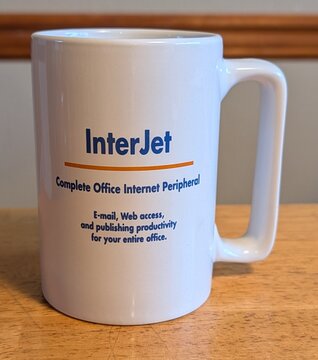
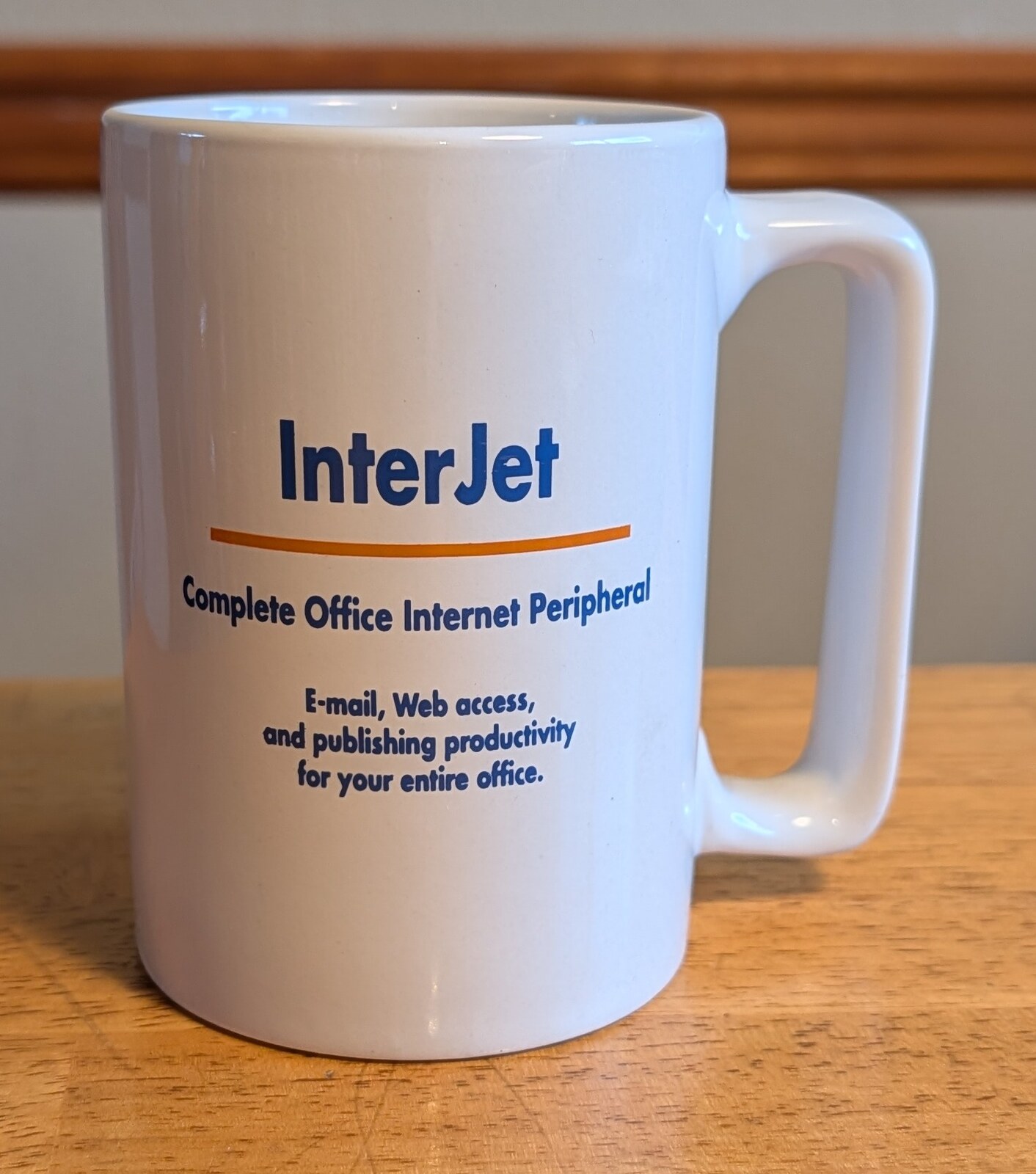
The original Whistle mug, back: InterJet, Complete Office Internet Peripheral. E-mail, Web access, and publishing productivity for your entire office.
A Whistle mug from after IBM acquired Whistle, front: the Whistle Communications logo.
The IBM-era Whistle mug, back: the IBM logo.
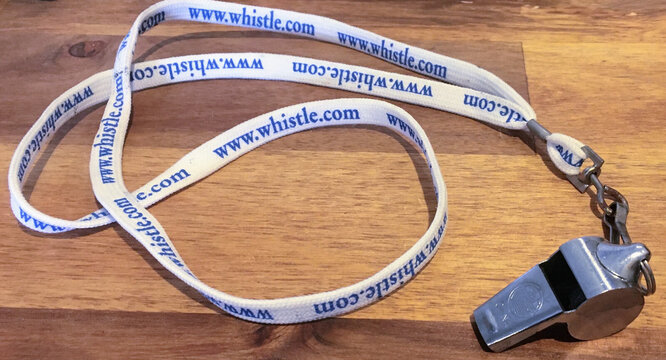
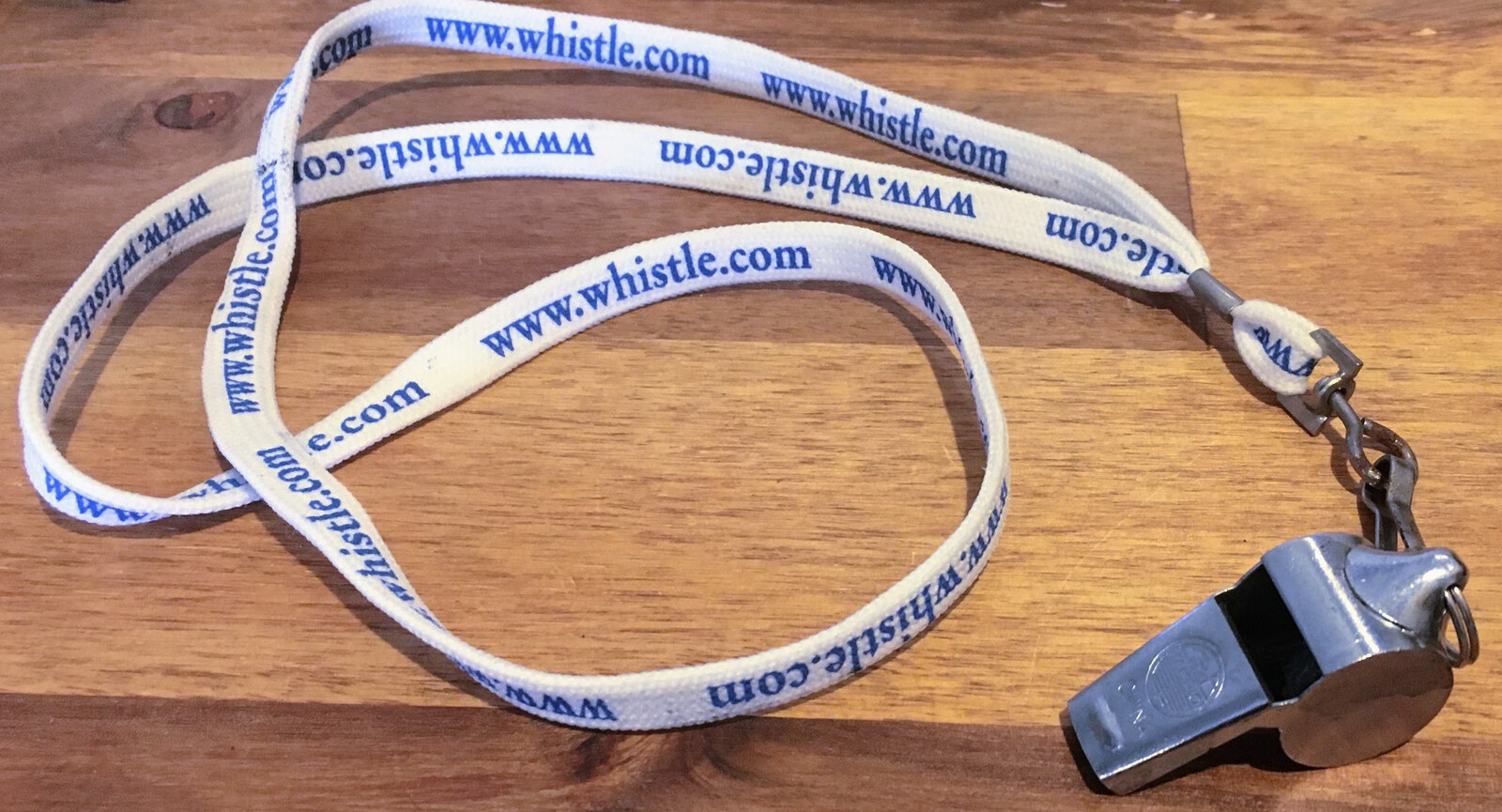
The metal whistle on a www.whistle.com lanyard that came in the box with each InterJet. Photo: MM
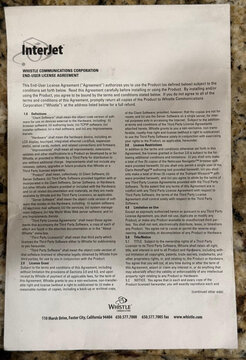
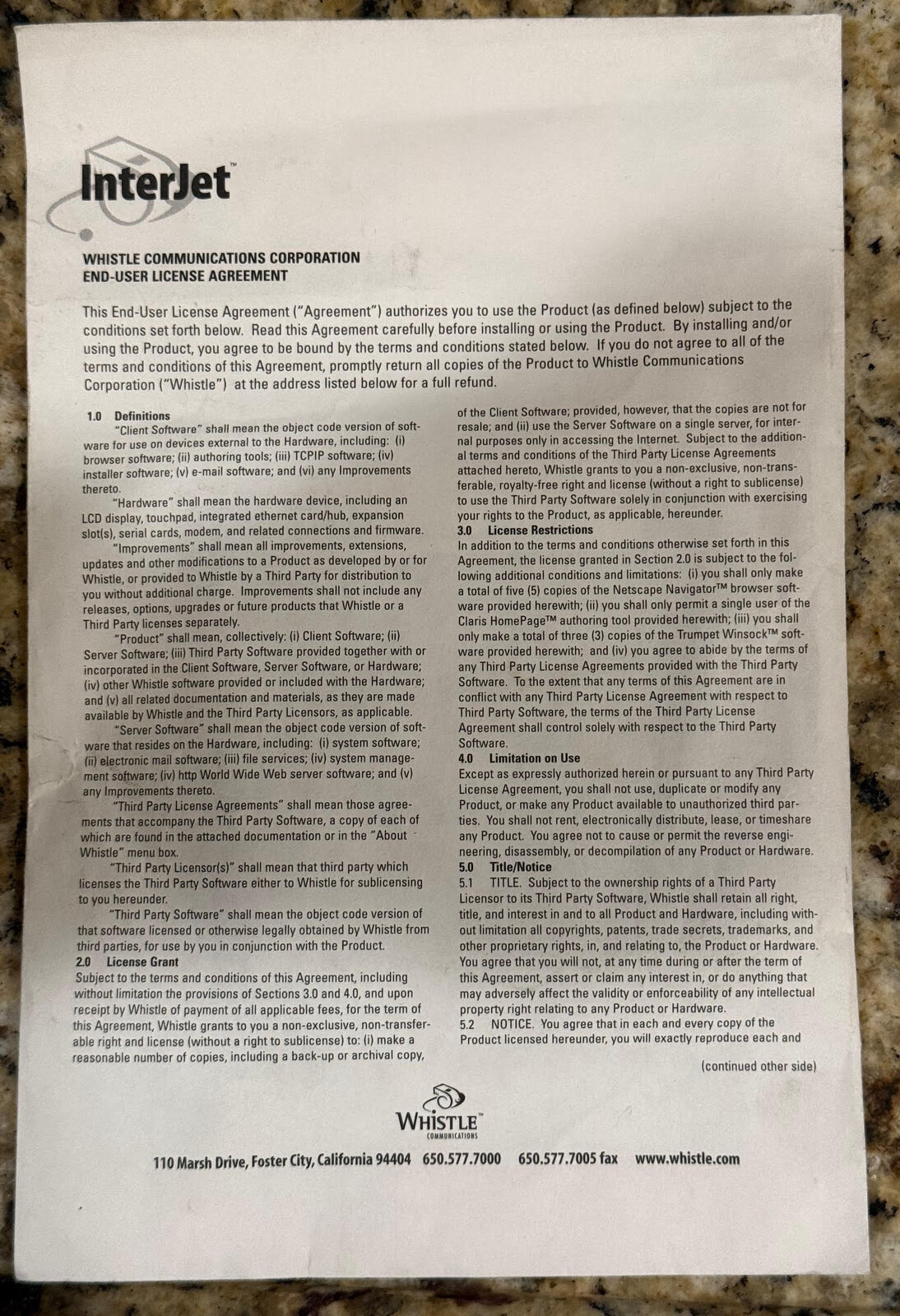
The InterJet software envelope, front: the Whistle Communications Corporation End-User License Agreement. Photo: Hari Boukis
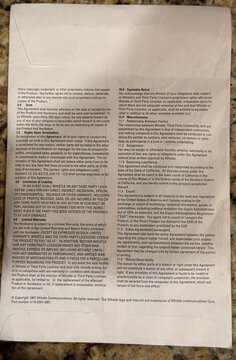
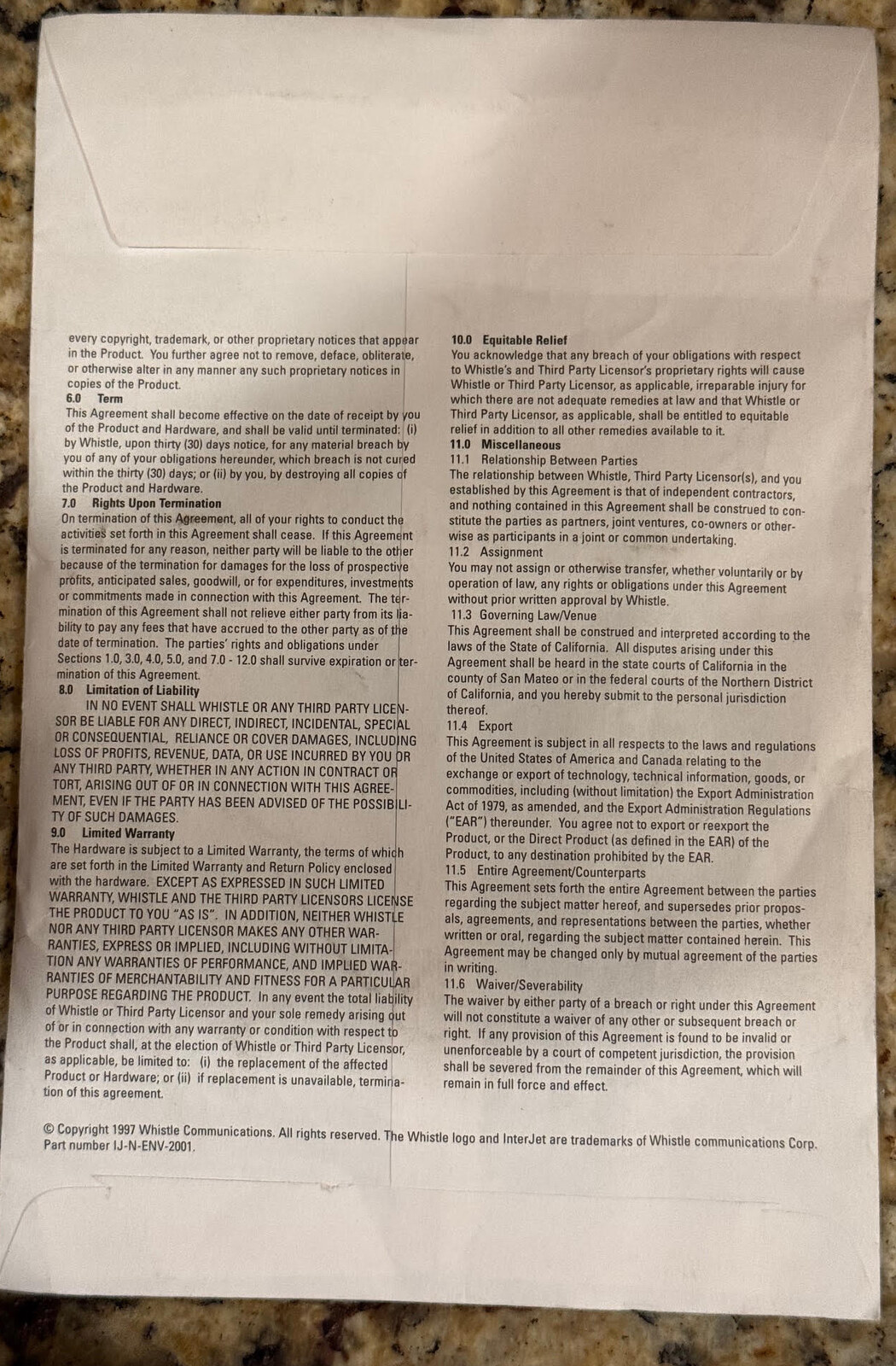
The software envelope, back: the rest of the license agreement, (c) 1997 Whistle Communications, part number IJ-N-ENV-2001. Photo: Hari Boukis
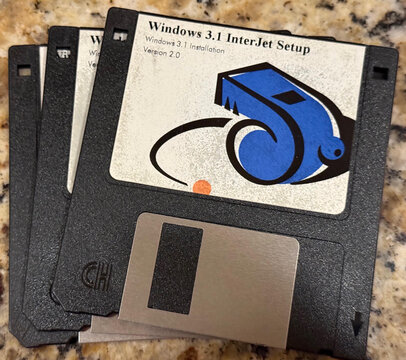
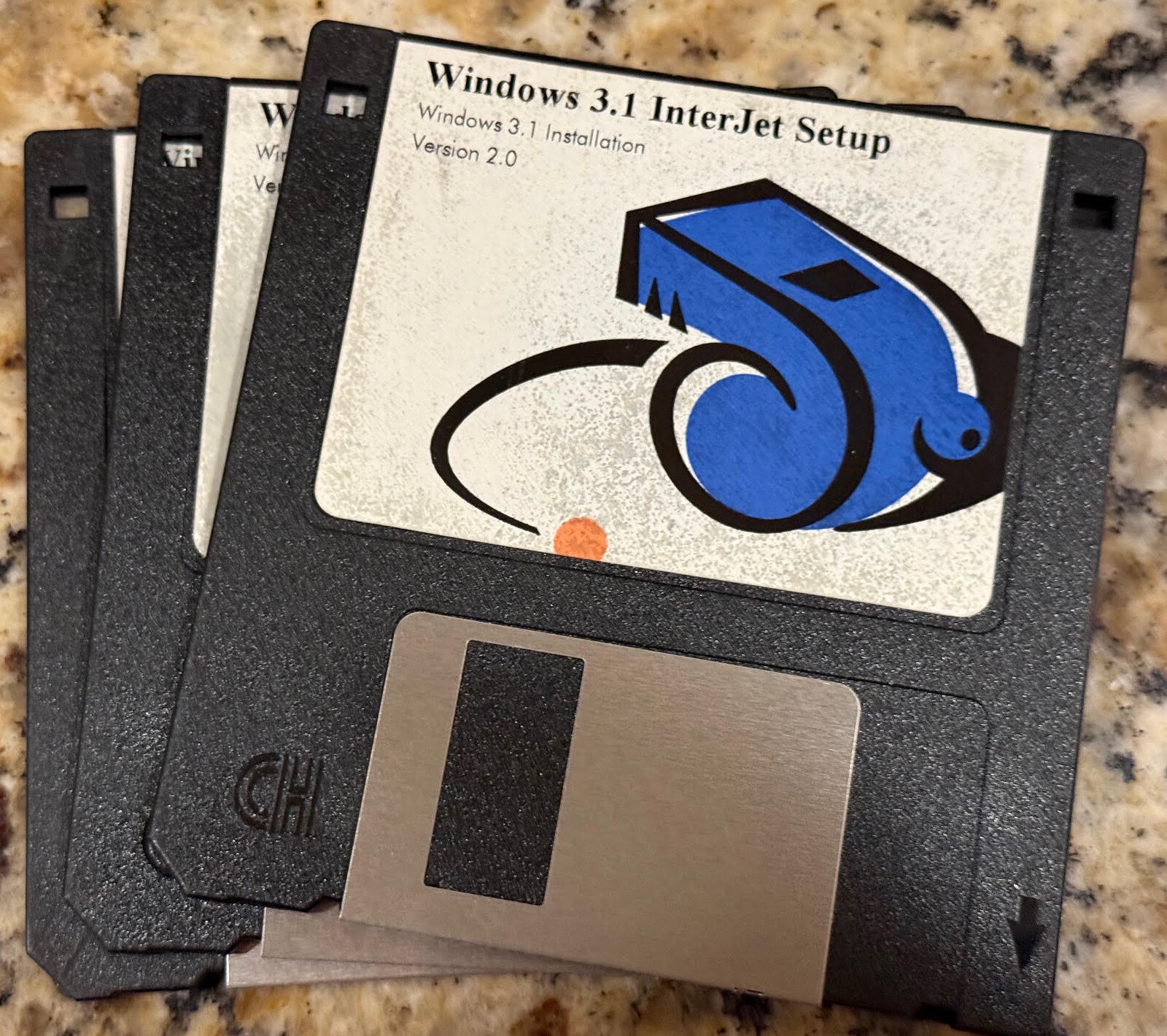
Windows 3.1 InterJet Setup floppy: Windows 3.1 Installation, Version 2.0. Photo: Hari Boukis
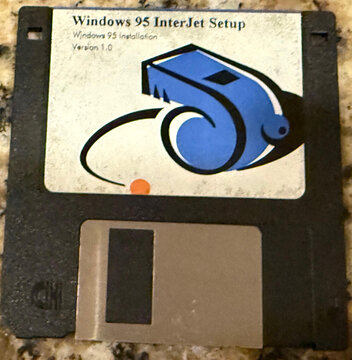
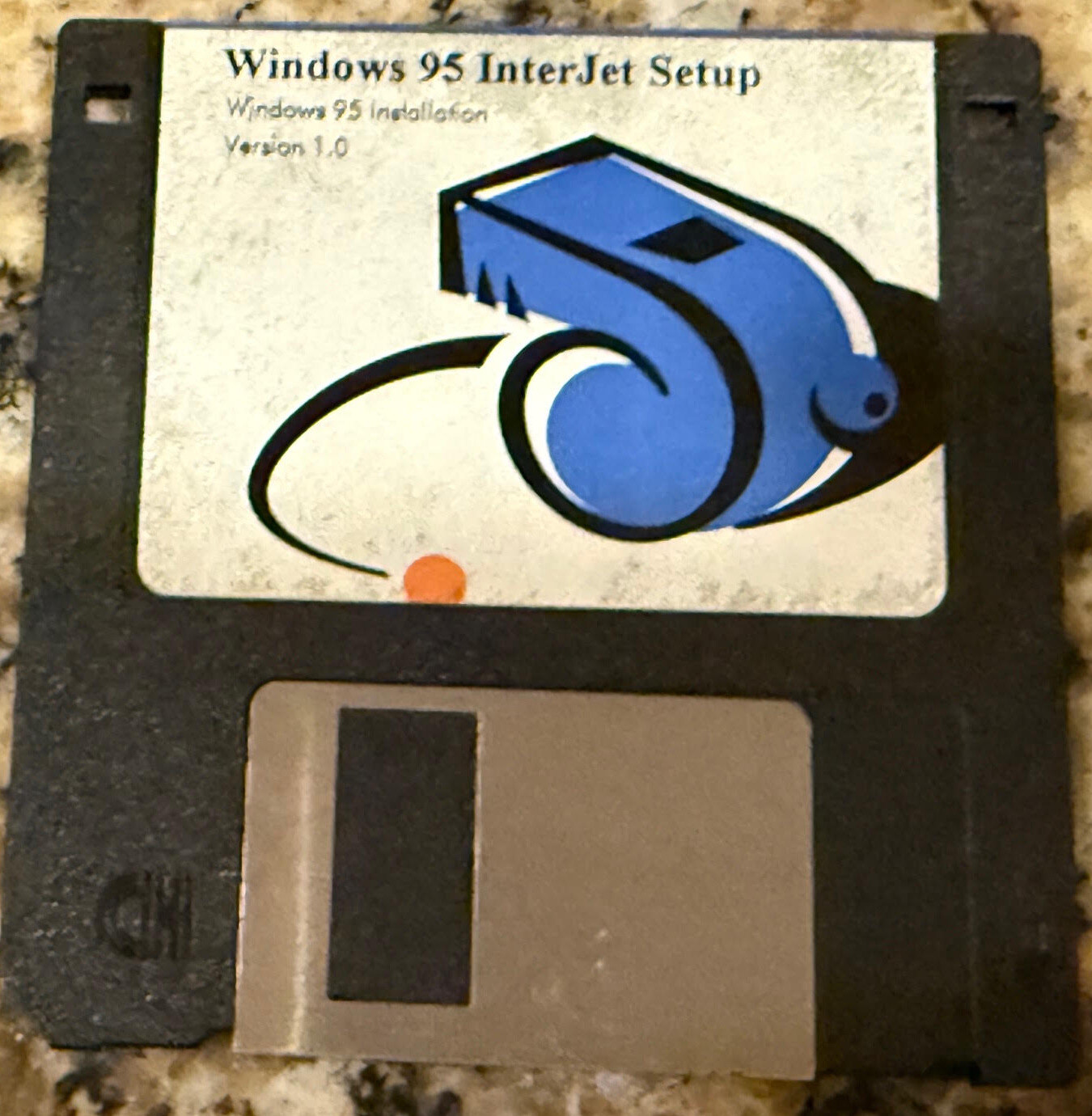
Windows 95 InterJet Setup floppy: Windows 95 Installation, Version 1.0. Photo: Hari Boukis
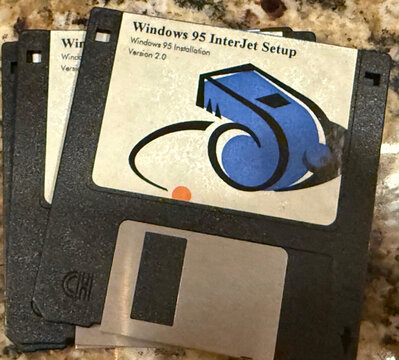
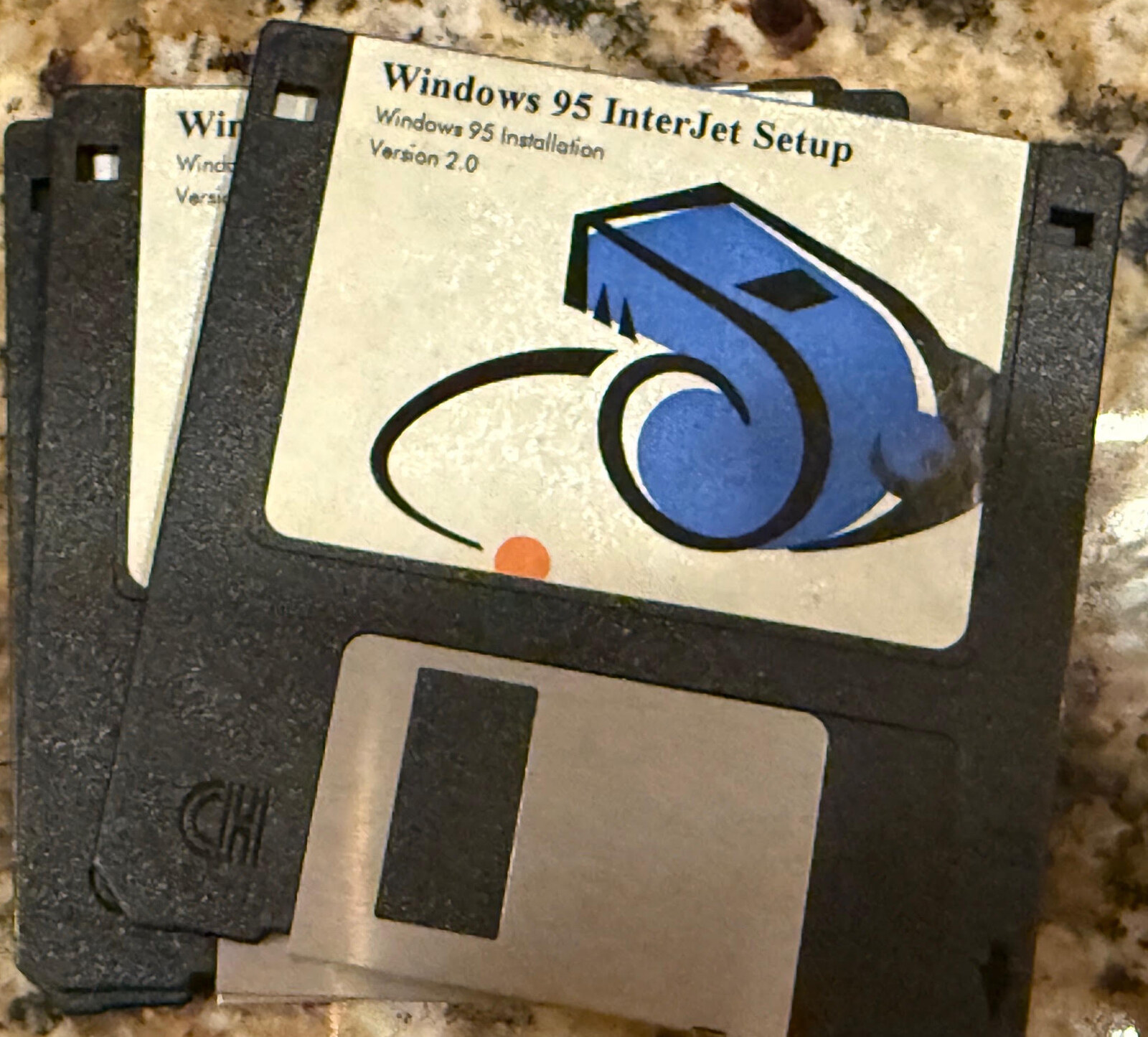
Windows 95 InterJet Setup floppy: Windows 95 Installation, Version 2.0. Photo: Hari Boukis
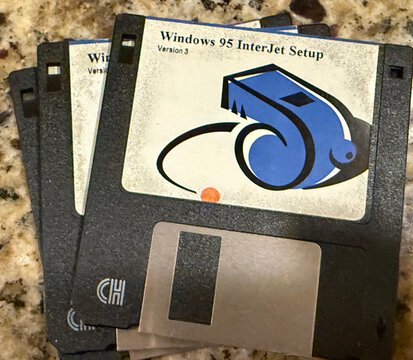
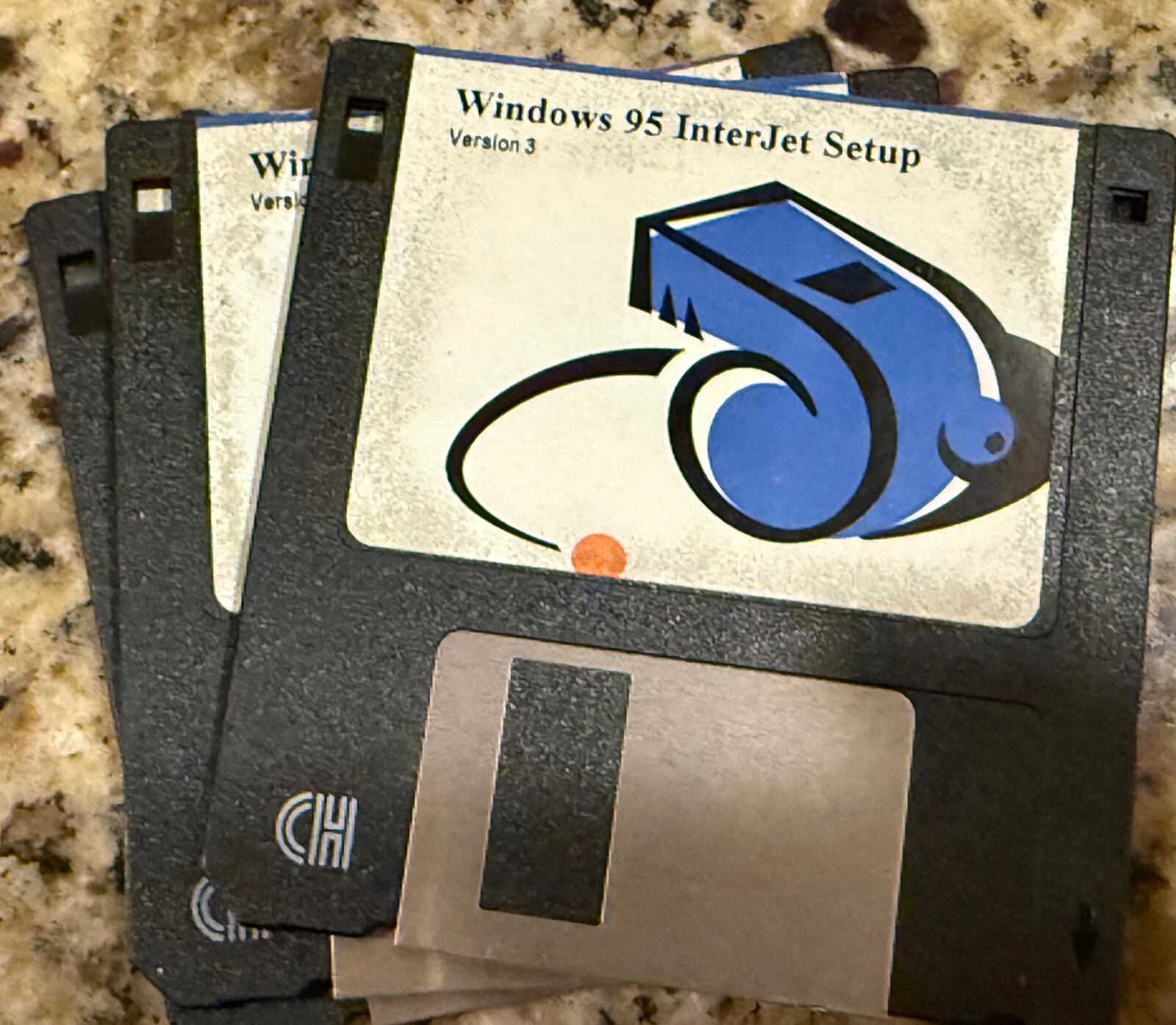
Windows 95 InterJet Setup floppy, Version 3. Photo: Hari Boukis
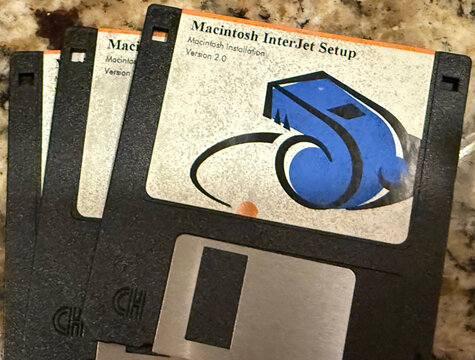
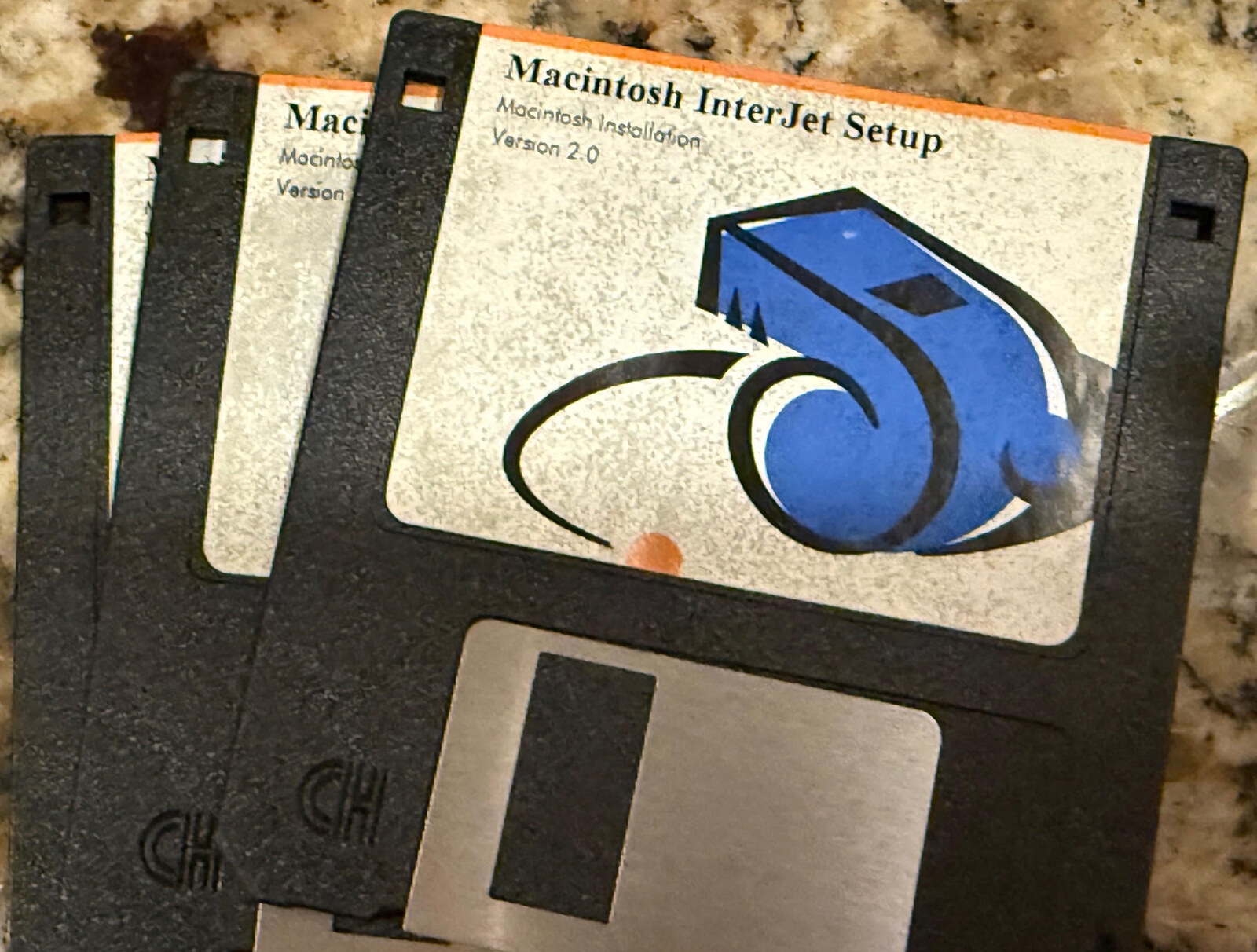
Macintosh InterJet Setup floppy: Macintosh Installation, Version 2.0. Photo: Hari Boukis
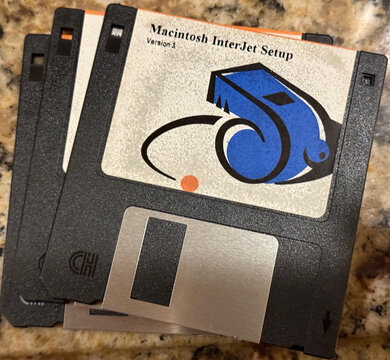
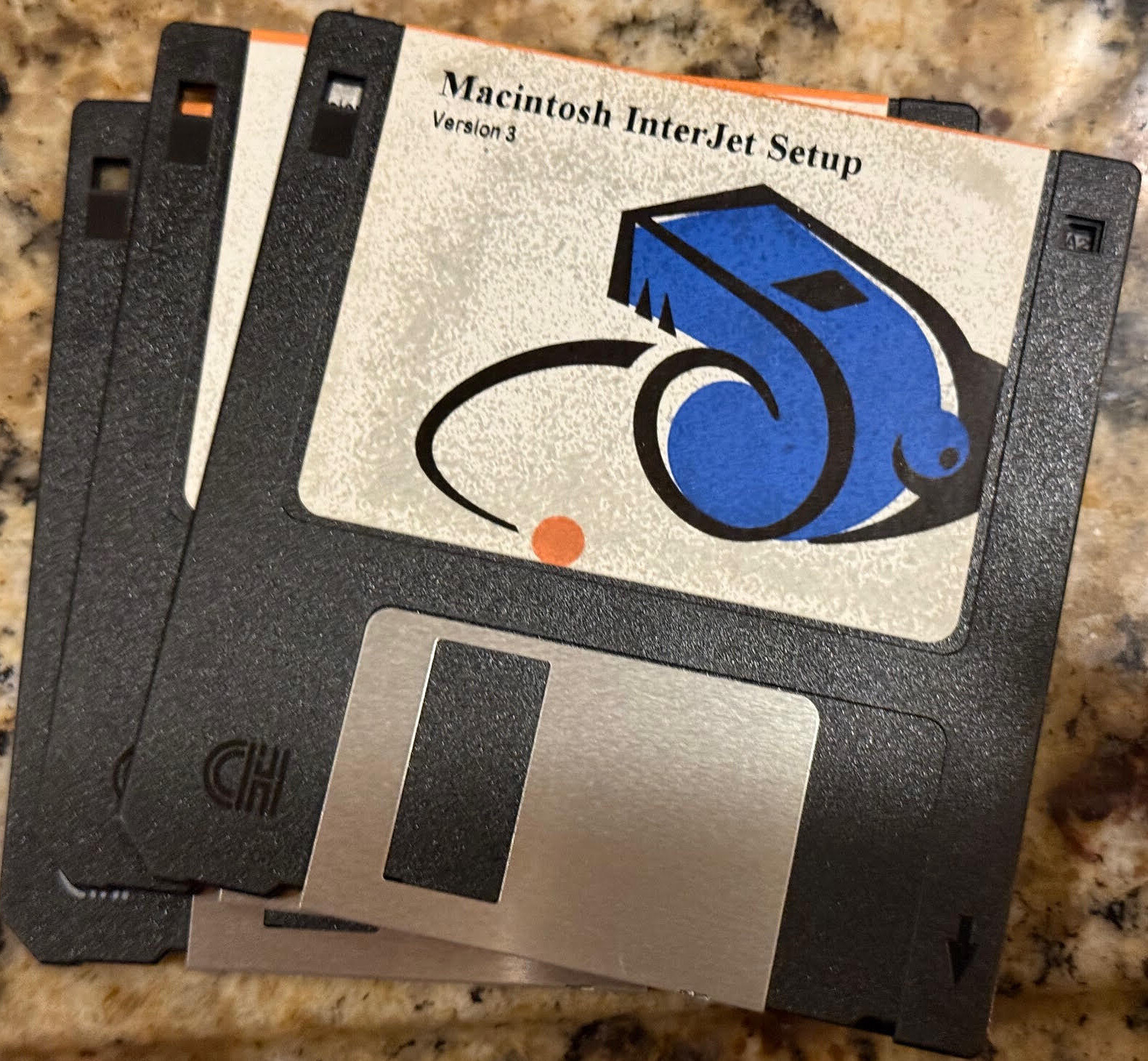
Macintosh InterJet Setup floppy, Version 3. Photo: Hari Boukis
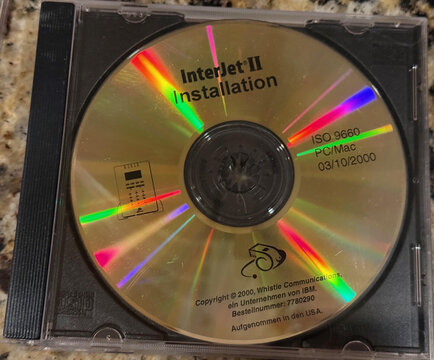
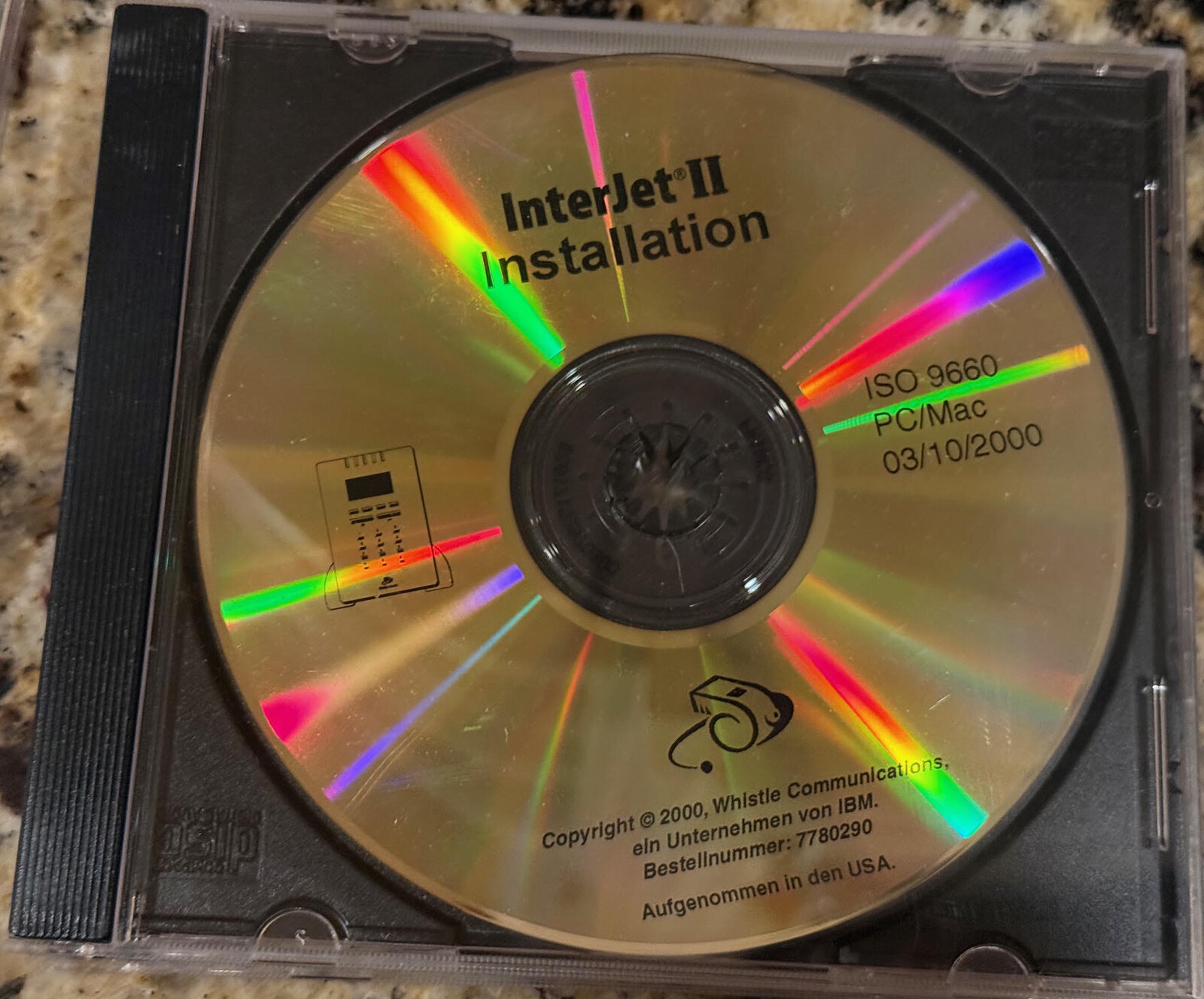
The InterJet II Installation CD, German edition: ISO 9660, PC/Mac, 03/10/2000; Whistle Communications, ein Unternehmen von IBM (an IBM company), Bestellnummer 7780290. Photo: Hari Boukis
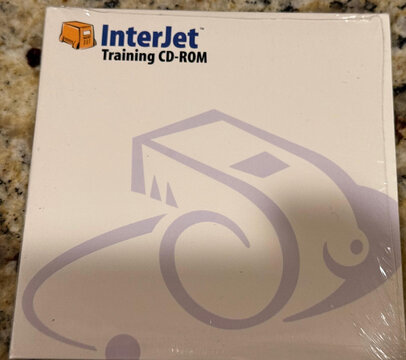
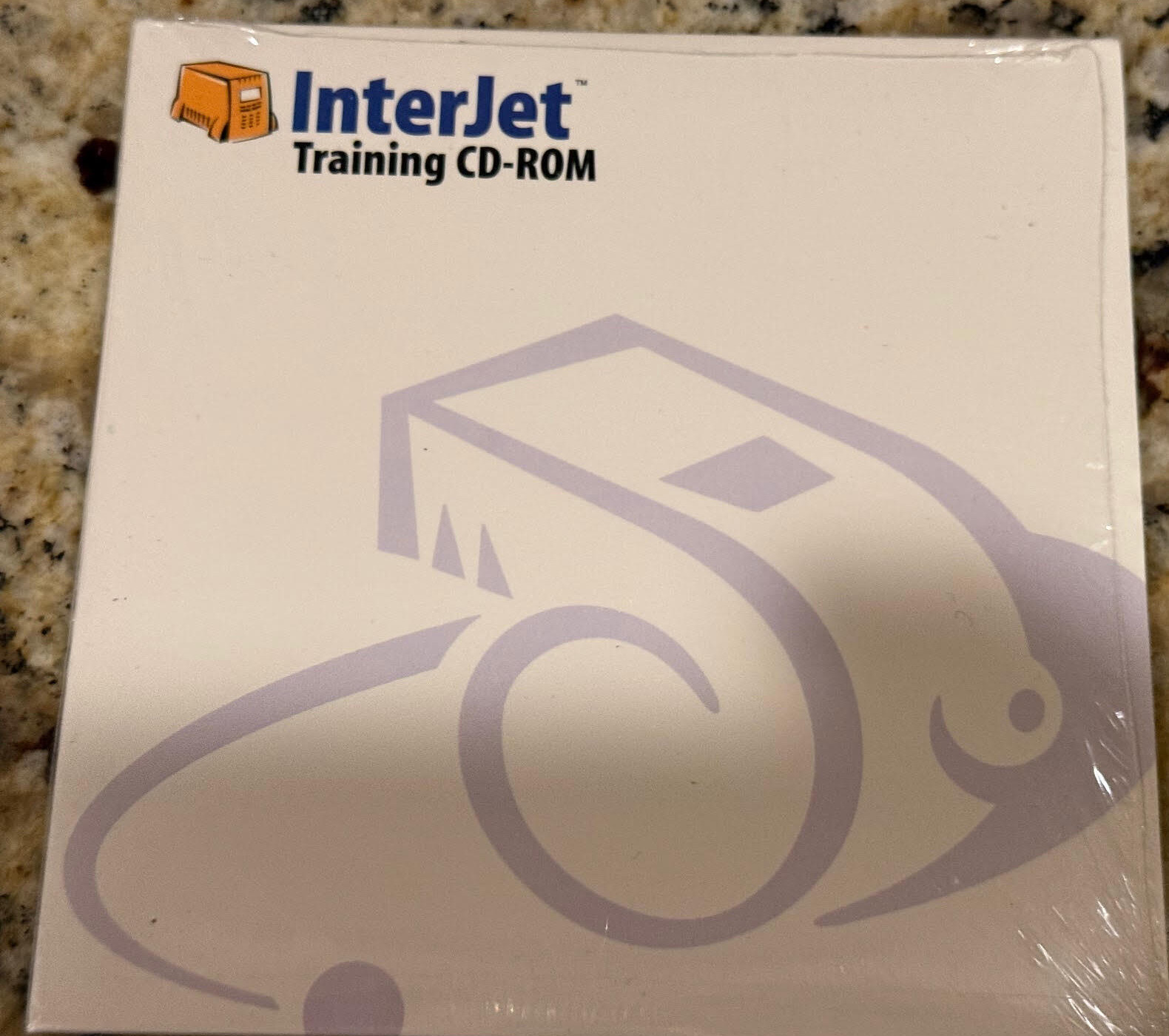
The InterJet Training CD-ROM. Photo: Hari Boukis
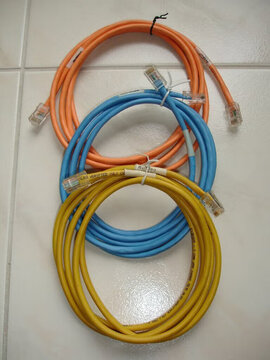
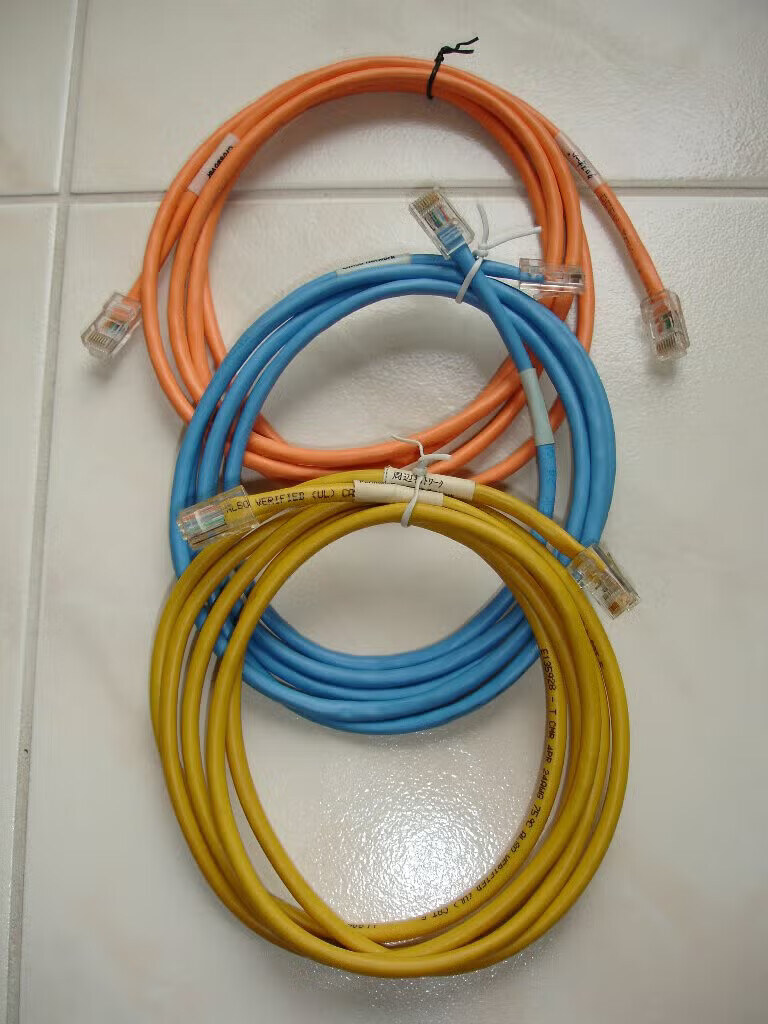
The three cables in the box: orange crossover, blue Office Network, yellow Perimeter Network. Photo: Tim de Brie
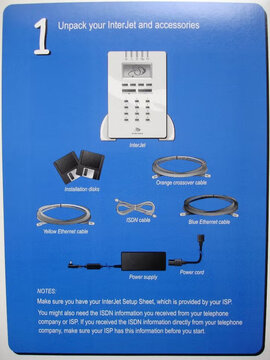
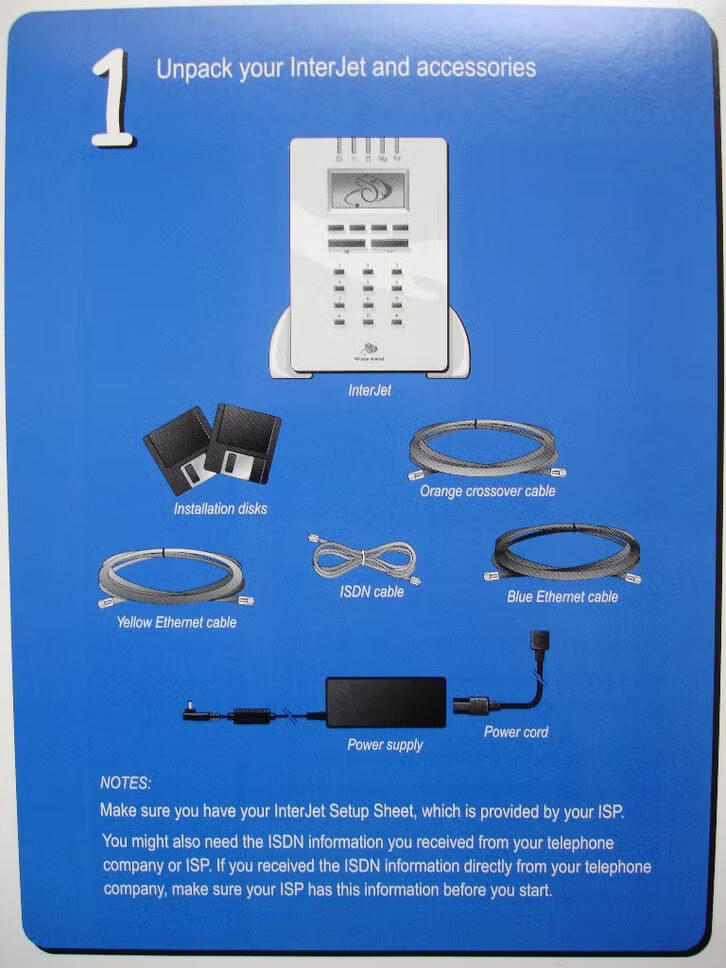
The InterJet setup card, step 1, Unpack your InterJet and accessories: installation disks, orange crossover, yellow and blue Ethernet cables, ISDN cable, power supply. Photo: Tim de Brie
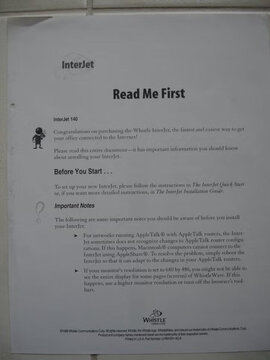
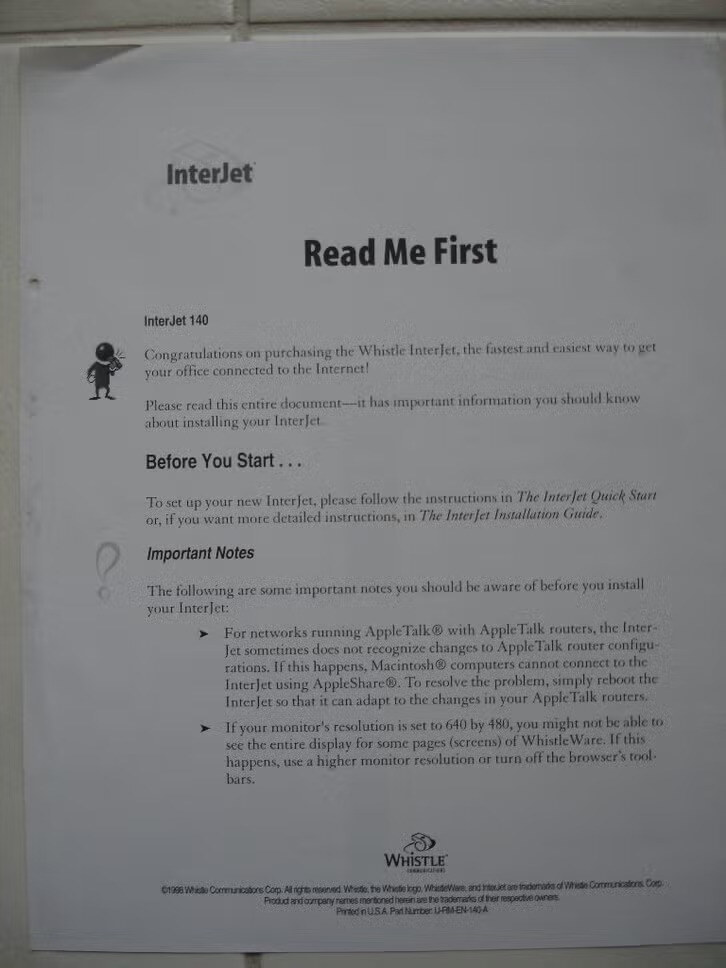
The InterJet 140 Read Me First sheet: notes on AppleTalk routers and 640 by 480 monitors, part number U-RM-EN-140-A. Photo: Tim de Brie
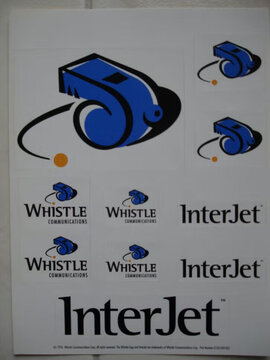
The Whistle sticker sheet: the whistle, Whistle Communications and InterJet, (c) 1996 Whistle Communications Corp. Photo: Tim de Brie